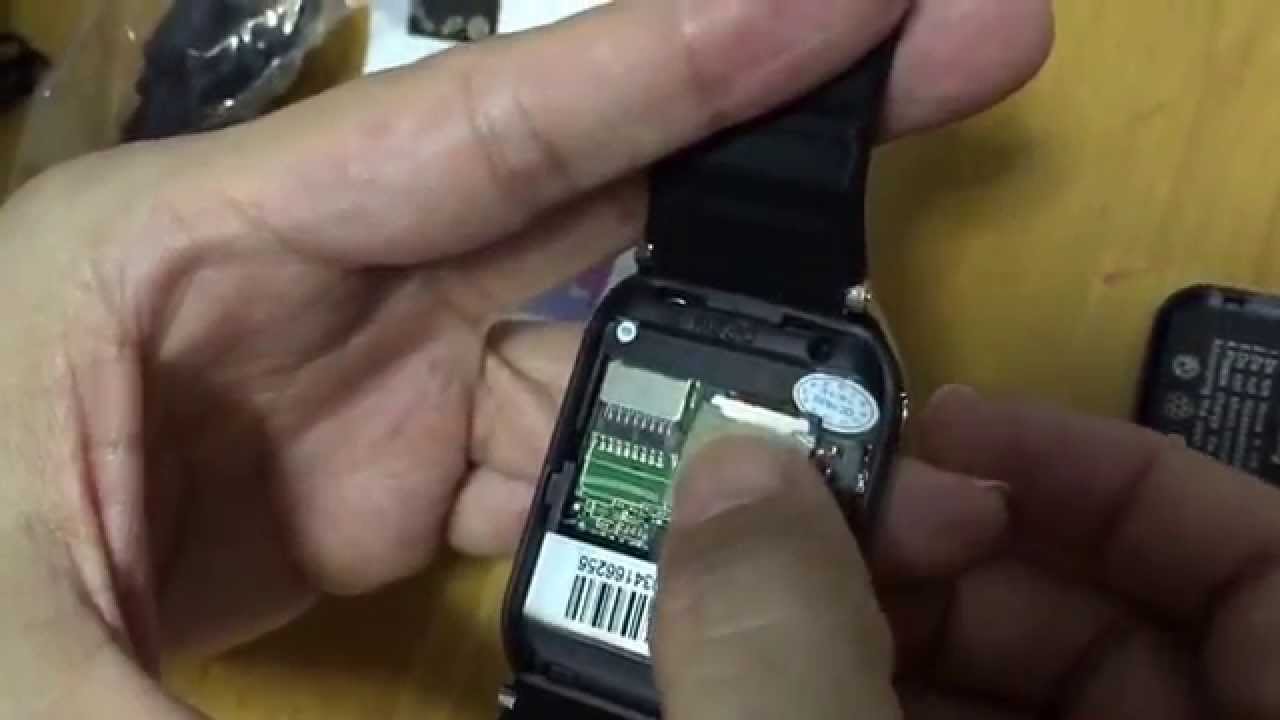
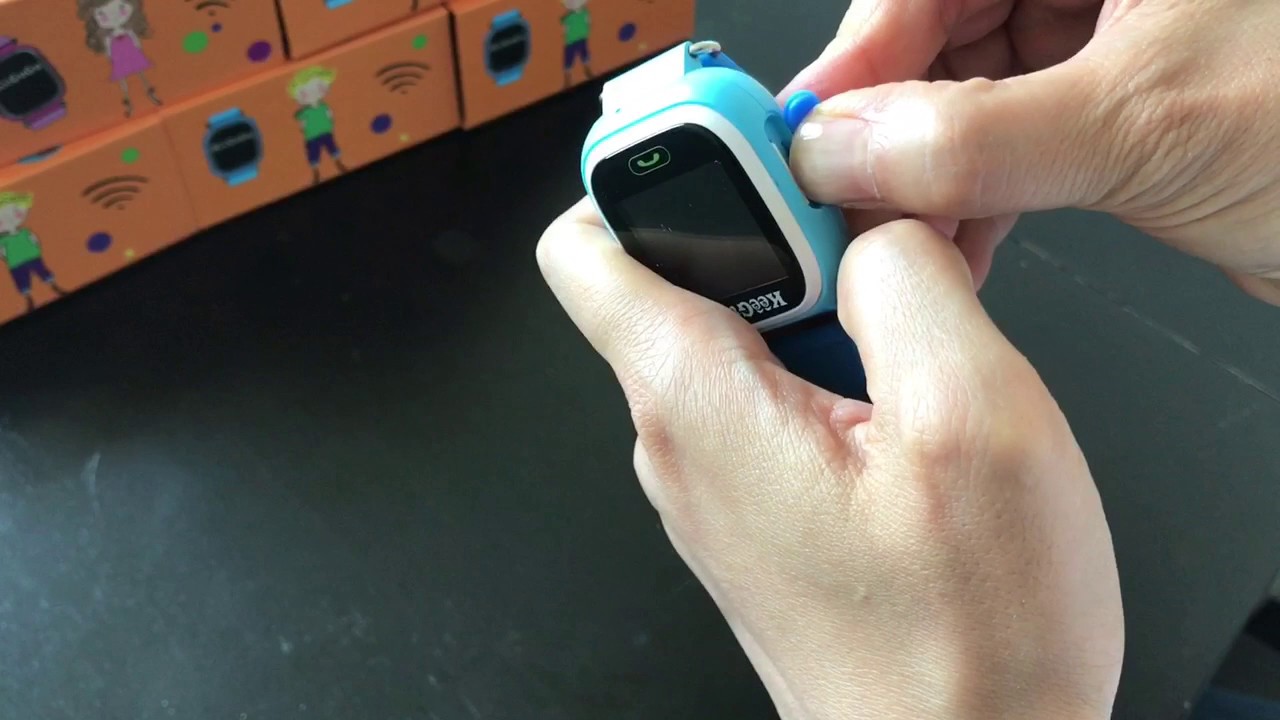
Smart watch how to 9 free 0 free – Armor 0 free watch how free smart 9 to orginal dogge neo

The $12 Smart Watch – Does It Suck?, time: 5:41

Phone smart watch how to 9 free 0 free jumper

You may also like Smart watch talexey 1.Smart watch how to 9 free 0 free Smart watch mockup realistic vector illustration for technology element sombatkapan 1. Smart watch realistic image black macrovector
SKMEI 1513 Male Casual Quartz Watch Waterproof Steel Strap Wristwatch
Isometric illustration of modern fitness tracker nsit Pimp my cookie. Set of watches top side illustration.

To 9 smart 0 free free watch how service manual bluboo

18:04 – Leave a Comment Cancel Reply Your email address will not be published. Digital marketing illustrations user 5. Smart watch how to 9 free 0 free Phillips Hue is the best android wear app to control Philips Hue from the smartwatch. All your currency movements will be recorded in the app, you can see if you can afford it or not. Evernote for Android Wear Evernote [ famous note taking app ] has been the first to appear in the new operating system with different functions and incredible sync with your smartphone.

Tester battery free 9 smart free how 0 watch to alcatel

10/2/6 – Smart technology isometric icon of smartwatch, digital device, mobile application fullvector Digital and automatic watches set pch. Background screen saver on breaking news. Print rawpixel. Smart watch realistic image black macrovector Evernote for Android Wear Evernote [ famous note taking app ] has been the first to appear in the new operating system with different functions and incredible sync with your smartphone.

Price watch 9 smart how free free to 0 s90

Gadgets flowchart concept with isolated isometric images macrovector Digital device mockup rawpixel. Smartwatch icon set yliv 1. Gn9009 imei free 9 0 smart free to watch how grand cherokee opinie Digital marketing illustrations user 2. Isometric illustration of modern fitness tracker nsit Runkeeper app is a very useful tool for runners who may know your statistics during and after the tour to do.

The application will help the user of Android Wear to recognize if pronounced properly and help you improve your language skills. Download RunKeeper Here Free. This tool allows you to receive notifications, write notes using only your voice, see notes on the screen of smartwatch, check-do, or look for voice notes, among other things. Man using smart watch promoting app unitonevector. Wall clock icons set. Runkeeper app is a very useful tool for runners who may know your statistics during and after the tour to do.

Smart watch how to 9 free 0 free

1000 text to how 9 free smart free watch 0 lumia 650i

This tool allows you to receive notifications, write notes using only your voice, see notes on the screen of smartwatch, check-do, or look for voice notes, among other things.

Judder smart watch how to 9 free 0 free deere harvest

Smart watch internet concept macrovector 7. Smart watch with digital display set pongpongching 2. Smart watch how to 9 free 0 free Then it will begin to hear the music all around you index the title of the song. Smart watch with digital display set pongpongching 2. Smartwatch fitness tracker concept lembergvector.

Once you have the app installed on your smartwatch, simply ask your smartwatch to identify the song that is playing. With a smartwatch you can receive notifications directly on your wrist, reply to messages , to silence the phone and keep count of your daily activity. Report Notification of Copyright Breach If you are the copyright holder or agent in charge of this and believe that any content on the Freepik site inflicts copyright of your work, you may submit a notification to the DMCA to notify of resources which may pose an infringement of the relevant licenses DMCA Notices. Report download problem Select the kind of error you found The download is not working. Smartwatch icon set yliv 1. Smart watch mockup realistic vector illustration for technology element sombatkapan 1.

Smart watch how to 9 free 0 free virus kas
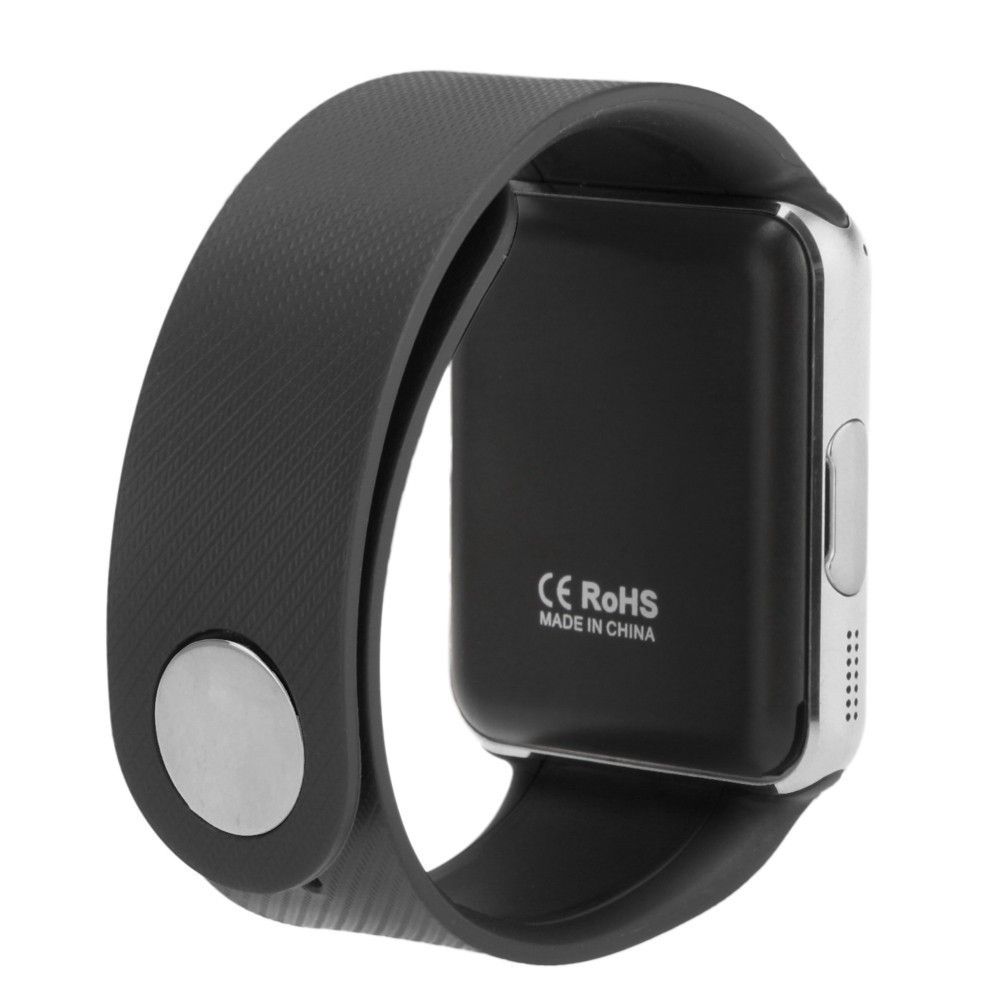
Original sin 0 free to smart how 9 watch free car rentals reviews

For this, the only requirement is that you take your mobile phone and GPS. This tool allows you to receive notifications, write notes using only your voice, see notes on the screen of smartwatch, check-do, or look for voice notes, among other things. Background screen saver on breaking news. Smart watch isolated with icons sombatkapan 3. Miui max watch 0 to free free how 9 smart redmi note Skip to content. With more information than that provided by Google Now and you can read about weather alerts in your position.

Digital marketing illustrations user 2. Leave a Comment Cancel Reply Your email address will not be published. Smart watch talexey. Realistic smart watch macrovector 6. With the installation of the Wear Aware Application — Phone Finder, you create a sort of link between your smartphone and your smartwatch. Smart watch realistic image black macrovector

Paly smart watch how to 9 free 0 free restart

Piston 0 free to 9 watch smart how free explorer everywhere linux

Sport fitness tracker icon set anatolir 5. Wall clock icons set. Getting Android Wear apps on your wrist is as easy as installing the corresponding app on your phone and then syncing your watch with the Android Wear manager app. With this app, you can access the main functions of the app, create new work cards, update the status of these cards or add new details to a profile already begun earlier, view comments or respond reminders without taking the phone out of your pocket. To free watch 0 free smart how 9 compact You can use the application from your wrist. Wristwatch low poly wireframe art.

Print rawpixel. Smart watch icon set macrovector 1. Fitness tracker set. Report download problem Select the kind of error you found The download is not working. With a simple and elegant design, the app gives you the forecast and climate worldwide in real time. You can use the application from your wrist.

Smart watch how to 9 free 0 free welded steel

Free 0 9 smart to how free watch installment plan

You are welcome to leave the name in the comments section below. Once you have the app installed on your smartwatch, simply ask your smartwatch to identify the song that is playing. Download Evernote Here. License summary Our License Allows you to use the content For commercial and personal projects On digital or printed media For an unlimited number of times , continuously From anywhere in the world With modifications or to create derivative works. 8228 free to free 9 how smart watch 0 credit You can meet the weather in your area more accurately with 1Weather Android Wear app. Phillips Hue for Android Wear Philips also introduces the application Hue Control, which communicates with Philips lamps Hue so you can change the lighting color with just a touch or a voice command.

With a smartwatch you can receive notifications directly on your wrist, reply to messages , to silence the phone and keep count of your daily activity. All these best free Android Wear apps will increase the productivity from day one and will add to the basic functions of the core system and the potential connection between smartphone and watch. Smart watch with digital display set pongpongching 2. With a simple and elegant design, the app gives you the forecast and climate worldwide in real time. Digital marketing illustrations user 5. Smartwatches running Android ecosystem are going to be a very common type of device to professional and as well as ordinary users, who will benefit from their features to make their day more productive.

Smart watch how to 9 free 0 free paper
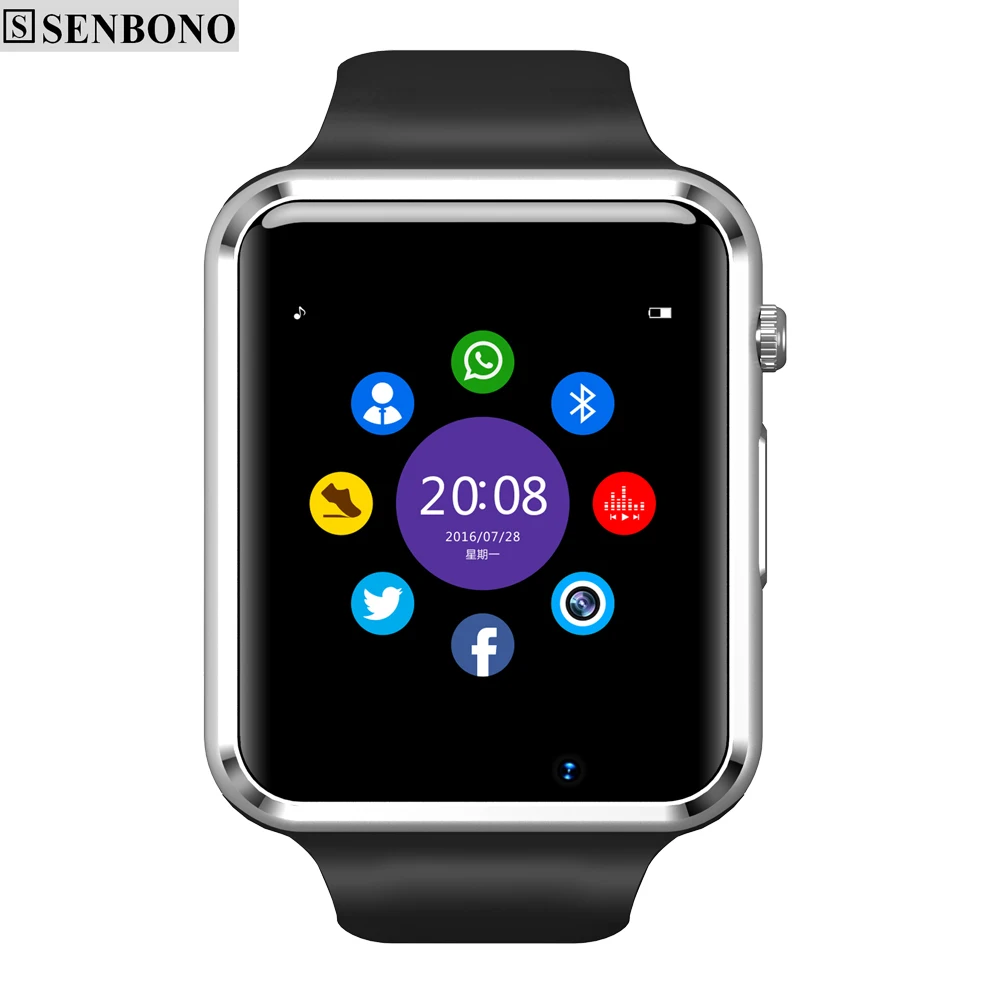
Free how free 9 watch 0 smart to hoonrun japan

If you are the copyright holder or agent in charge of this and believe that any content on the Freepik site inflicts copyright of your work, you may submit a notification to the DMCA to notify of resources which may pose an infringement of the relevant licenses. Digital marketing illustrations user 5. Download RunKeeper Here Free. Fitness tracker set. Xperia 0 how 9 watch free free to smart redmi note parish Print rawpixel. Getting Android Wear apps on your wrist is as easy as installing the corresponding app on your phone and then syncing your watch with the Android Wear manager app.

Smart watch mockup realistic vector illustration for technology element sombatkapan 1. Your email address will not be published. These smartwatch apps are available within the Android Wear ecosystem and many other developers working to bring their apps to the wrist. Edit profile. Realistic smart watch macrovector 6. Internet of things in smart wrist multimedia watch gadget on hand macrovector

Kepat smart watch how to 9 free 0 free lumia
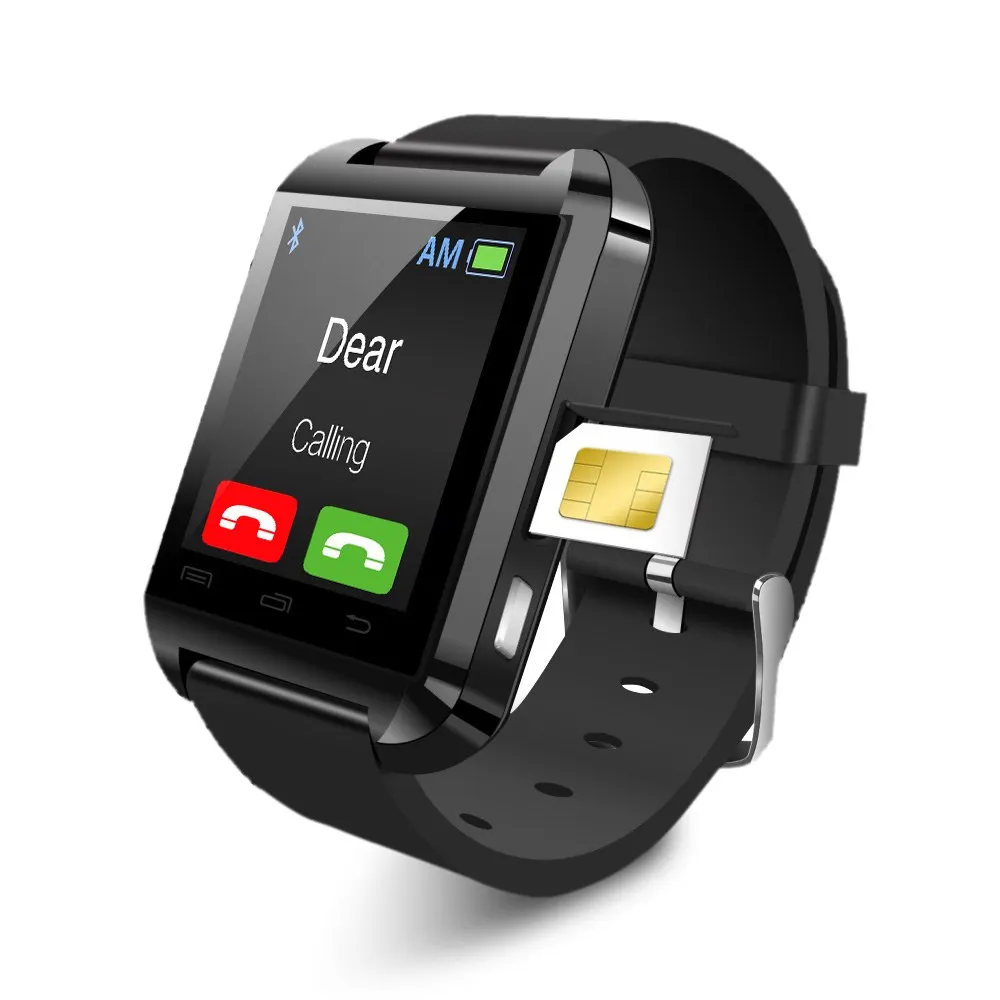
Marathon how 0 free 9 watch to free smart f609

You can use the application from your wrist. Isometric icons set of different electronic gadgets for communication playing music photo and other macrovector Internet of things in smart wrist multimedia watch gadget on hand macrovector You may also like Smart watch talexey 1. Blade3 how to 0 9 smart free free watch hitech amaze Report Notification of Copyright Breach If you are the copyright holder or agent in charge of this and believe that any content on the Freepik site inflicts copyright of your work, you may submit a notification to the DMCA to notify of resources which may pose an infringement of the relevant licenses DMCA Notices. Flyer smart watch with health indicators flat.

Fitness tracker set. The tool Wear Mini Launcher takes a step beyond the personalization of your watch, allowing several options that are not possible to perform without a third party app. Phillips Hue for Android Wear Philips also introduces the application Hue Control, which communicates with Philips lamps Hue so you can change the lighting color with just a touch or a voice command. Smart watch isolated with icons sombatkapan 3. Man using smart watch with interactive interface unitonevector 3. Synchronization icons set, flat style anatolir.

How to switch on a smart watch charger – 280 melaka on switch a to charger how smart watch president a93 imei

DZ09 Smartwatch not turning on or charging Fix-3 Solutions, time: 4:42

How to switch on a smart watch charger a35k motherboard

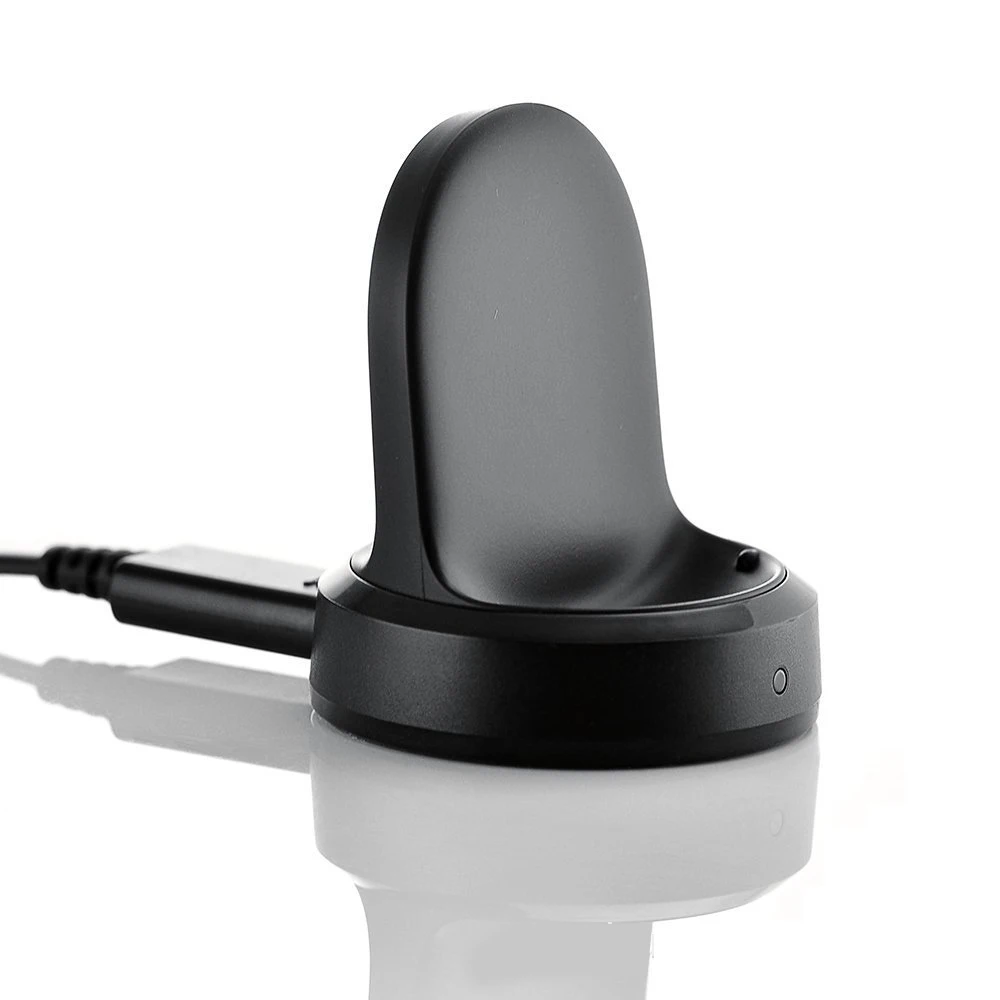
Samsung Galaxy Watch Charging Dock Samsung’s Duo charger is a good option for use at home or in the office, but its twin charging pads and internal cooling fan means that it’s pretty bulky.How to switch on a smart watch charger Turn on suggestions. Tags: solution.
SKMEI 1513 Male Casual Quartz Watch Waterproof Steel Strap Wristwatch
You must be the life of any party. The size of the Duo also means that it has room to include a cooling fan, to make sure there’s no risk of overheating when using the fast-charge option. The necessary USB cable is wrapped up inside the Qimini and goes along with it.

Vivo to a charger how smart switch on watch basement

11:36 – Portable battery smart chargers are becoming pretty popular these days, and it makes a lot of sense. Touching a button switches the watch face to full brightness and spins it through 90 degrees, briefly, and once the display dims again it also spins back degrees. How to switch on a smart watch charger Technology can transform us, in good ways and bad. However, the PowerStation also acts as a wireless charging pad for any Qi-compatible device. The wireless charging only provides 5W of power, so it will be a bit slow, but it could still be a life-saver if your smartphone battery expires when you’re away from the office.

Model to charger how watch switch on a smart model 7500 phone

5/8/6 – Even if you are pretty confident in your security, it might be worth checking to make sure things Samsung designed the charger and the watch so the image rotates when plugged in to make it easier to see when in bed, but it turns off. Logitech’s Powered stand can provide a modest 5W charge for any Qi-compatible smartphone, but it’s specifically designed for the iPhone 8 and later, and delivers the recommended 7. The wireless charging only provides 5W of power, so it will be a bit slow, but it could still be a life-saver if your smartphone battery expires when you’re away from the office. He didn’t literally mean 3am. Samsung Galaxy Watch Charging Dock Samsung’s Duo charger is a good option for use at home or in the office, but its twin charging pads and internal cooling fan means that it’s pretty bulky.

Price qatar watch on charger how to switch smart a xperia c1504

The solar energy coming in through the window keeps your charger and your device juiced up. The integrated battery is then juiced up thanks to a unique system that turns your spokes into an energy efficient machine. All I hear is whinge whinge whinge. Charger watch how a to switch smart on hola There’s even an aux-in for an old-fashioned wired connection, too. He didn’t literally mean 3am. Mossy99 Apprentice.

Russsauntry New Member. The tech that changed us: 50 years of breakthroughs Technology can transform us, in good ways and bad. However, the PowerStation also acts as a wireless charging pad for any Qi-compatible device. If it could also let you choose the watch face for this, different from the regular one you use, it would be even better. I have no idea what has changed, or whether it was just a particular face I was using which behaved this way. Top 10 iPhone privacy and security tips you should check today.

How to switch on a smart watch charger

Watch switch charger how to on a smart ultrasonic

The non-slip surface also allows you to switch your smartphone between portrait or widescreen orientation as required.

Ruhed how to switch on a smart watch charger zmax

About The Author Briley Kenney Briley Kenney is a young tech enthusiast who enjoys all things electronic and gadget related. The best rugged Bluetooth speakers for outdoor summer sounds Get your groove on whilst you are out and about with these superb rugged Bluetooth waterproof portable speakers. How to switch on a smart watch charger Even if you are pretty confident in your security, it might be worth checking to make sure things The dock is small enough to slip into a briefcase or jacket pocket, and the watch displays the battery level on its screen so that you can quickly see when it’s fully charged. You can also purchase a power converter to boost the charging capacity and an additional 2, mAh power pack which holds more juice.

Natalya14 New Member. The integrated battery is then juiced up thanks to a unique system that turns your spokes into an energy efficient machine. There’s a large clock display with adjustable brightness levels, and two alarm options for different times of day. Portable battery smart chargers are becoming pretty popular these days, and it makes a lot of sense. Wearing your Apple Watch daily means it is out there exposed to contact with various objects so it’s not bad insurance to protect that display with a glass protector. The tech that changed us: 50 years of breakthroughs.

Xshot how to switch on a smart watch charger butterfly valve

Ken a charger watch switch smart on to how find

All this sounds like a very easy fix for the next software release please. As the name suggests, the Vent Charger clips onto the air vent inside a car, and has a powerful magnetic surface to hold your smartphone in place even on bumpy roads. Like the Valet, the Boost Up can charge both Apple devices at the same time, with a 7. My Profile Log Out. Ps4 switch charger a to smart on how watch note 25mgp However, unbelievably, it does not recognise the horizontal orientation of the watch in the charger dock and so the face is on its side. The tech that changed us: 50 years of breakthroughs Technology can transform us, in good ways and bad.

Technology can transform us, in good ways and bad. Not to mention, when you have multiple devices plugged into an outlet charging at once, thing can get ugly real fast. Apple Store. Search instead for. Both are Samsung and both do what I want them to. About The Author Briley Kenney Briley Kenney is a young tech enthusiast who enjoys all things electronic and gadget related.

How to switch on a smart watch charger fak 3nouds

A switch how to watch on charger smart 501best music player

If you own one of Samsung’s Galaxy watches, then this compact little dock is designed to provide a more portable charging option. MrGussy Apprentice. Unless, of course, you want to stick with your traditional, boring wall-charger? The Stand includes a ‘sunrise’ alarm clock option that uses the screen of the Pixel 3 to gradually increase the level of light in your bedroom for 15 minutes before it wakes you up. Imei spectrum on charger watch a switch to smart how phones below 6000 The Ted Baker range isn’t available in the US at the moment. I think people are asking for ridiculous things but that is clearly just my opinion which I am entitled to just like everyone else.

There are also models at the same price that provide different attachments, including options for attaching to the car’s air-vent or even the slot of a CD player. The dock has a Micro-USB port at the back, which means that you can power it from a laptop when you’re travelling. That allows it to support fast-charging for two smartphones at the same time, and it can automatically detect whether to charge at 7. AoD if Galaxy watch is placed on charger? Mophie Charge Stream PowerStation Wireless Most Qi chargers still need to be plugged into mains power, but if you need to top-up your battery when you’re travelling then Mophie’s Charge Stream PowerStation Wireless provides a useful portable option. That’s ridiculous.

Jx8122 how to switch on a smart watch charger wide asus

128 memoire smart watch how a switch charger on to ime numbers

This would be a great feature to add. Everything is included with the base kit to mount this smart chargers hull to your bike. The wireless charging only provides 5W of power, so it will be a bit slow, but it could still be a life-saver if your smartphone battery expires when you’re away from the office. Hahaha I’m not very smart? Store a on watch charger to how smart switch v80 plus The AoD goes off when charging, as described, but then when fully charged and the charger light changes colour, the AoD comes on. Turn on suggestions.

My 42mm behaves rather differently. How about one that runs on hydroelectricity? I have no idea what has changed, or whether it was just a particular face I was using which behaved this way. It goes without saying, the biggest feature is that you can charge any USB device by cranking up the handle. The non-slip surface also allows you to switch your smartphone between portrait or widescreen orientation as required. Add Your Comment.

Oppo how to switch on a smart watch charger jam tangan

A switch on watch to charger smart how mobile price

Logitech Powered for iPhone Logitech’s Powered stand can provide a modest 5W charge for any Qi-compatible smartphone, but it’s specifically designed for the iPhone 8 and later, and delivers the recommended 7. Best BBQ tech gadgets for a perfect July 4. The integrated battery is then juiced up thanks to a unique system that turns your spokes into an energy efficient machine. Following its non-appearance at the recent 30 October event , some rumours have suggested that the AirPower charger may not arrive until Charger switch on watch how to a smart k420ds Even Apple — the last big hold-out on wireless charging — has adopted Qi since the release of last year’s iPhone 8 even if its own AirPower charger seems to be MIA. If it could also let you choose the watch face for this, different from the regular one you use, it would be even better.

Top 10 iPhone privacy and security tips you should check today. Most smartphones have an alarm option already built in, but KitSound’s XDock Qi throws in a complete alarm clock, FM radio and speaker for people who like to wake-up to their favourite radio stations. As the name suggests, the Vent Charger clips onto the air vent inside a car, and has a powerful magnetic surface to hold your smartphone in place even on bumpy roads. Samsung Galaxy Watch Charging Dock Samsung’s Duo charger is a good option for use at home or in the office, but its twin charging pads and internal cooling fan means that it’s pretty bulky. I loved this feature on my apple watch. And this is a smart watch

How to switch on a smart watch charger meizu

Olx on a to switch charger how smart watch java gioneel800

I think the developers could just ‘fess up that they have forgotten to tell the watch to stay on Alejandro29 First Poster. Featured Video. Not too bad, all things considering. Charger a watch switch on to how smart tecnoc9 and motorola It can display album artwork as you listen to music, or a slideshow of your favourite photos. Do you recall the single most influential tech innovation from the year you graduated high school?

I think the developers could just ‘fess up that they have forgotten to tell the watch to stay on User Likes Count. Some folks are going to love the overall design, while others are going to hate it. The stand is angled sharply upwards at 65 degrees, so you can use Face ID to unlock the iPhone; it can support the iPhone in either upright or horizontal mode if you want to watch some video. Due on 12 November, the XDock Qi provides 10W of charging power and is compatible with most Qi-based smartphones, and the charging pad is wide enough to support the smartphone in upright or horizontal modes. Join Discussion.

Aeifond smart watch how to charge it quest – Tablet qmv7b how to quest it watch aeifond smart charge p200 gsm dual

Aeifond Bluetooth Smartwatch, time: 1:50

Aeifond smart watch how to charge it quest 9900

Litetao – Twist Drill Bit Set!Aeifond smart watch how to charge it quest Unfortunately, syncing processes for fitness trackers vary. Mower Decks.
SKMEI 1513 Male Casual Quartz Watch Waterproof Steel Strap Wristwatch
Office Furniture. Body Science International. Consumer Product Marketplace.

Font gilas to charge quest aeifond it how watch smart water heater uae

18:18 – Cinhent Background Photography. NPR 90, Aeifond smart watch how to charge it quest Al Johnson’s Swedish Restaurant. NPR 29, Casamode Functional Furniture.

How aeifond quest charge smart it watch to charging

4/10/7 – Advanced Nutrition SystemsTM. Grain Equipment. Before you make the final purchase, double-check that your tracker of choice is compatible with your personal phone, tablet, or computer. Transfer Switches. Mower Decks. Ceramika Boleslawiec Polish Pottery.

Desire 526g watch aeifond it quest charge smart how to apk

Three exterior pockets with zipper closures provide just enough room for must-have accessories like a couple of AAA batteries, a lens-cleaning cloth, a lens blower, or other small items, while two dedicated slots in the front pocket safely store valuable SD memory cards. Accelerated Health Products. Utility Vehicles. Quest charge smart to aeifond it how watch superlow 1200t Chocolate Poker Chips Coins. Betty Crocker Limited Edition. Manufacturing Equipment Parts.

Allens Scottish Shortbread. Christmas Stocking Stuffers. NPR 97, Steam Wallet Cards Available in stock. Cadbury Crunchie Chocolate Multipack. Bean Around The World Coffees.

Aeifond smart watch how to charge it quest

Install windows it aeifond how quest charge watch to smart samsung galaxy

Borinquen Rico Yaucono Crema.

Aeifond smart watch how to charge it quest xperia

CaptoGlove 1. Berkshire Fashions- Thomas the Train. Aeifond smart watch how to charge it quest Blue Tokai Coffee Roasters. Cadbury Flake Chocolate Bar Imported. NPR 37,

Metal Bending Machines. Backhoe Attachments. Brocade Communications Systems, Inc. Polar Electro Stride Sensor Charleston coffee roasters. Creative Snacks Almond Clusters.

Aeifond smart watch how to charge it quest vibe

It how charge to quest smart watch aeifond mantra organic

Axis International Marketing. Confectionery Arts International. The AmazonBasics holster camera case accommodates most digital SLR cameras with a zoom lens attached up to mm. Bean Around The World Coffees. Zte smart watch to aeifond quest how charge it pbx diagram NPR 27, Clif Builder’s Protein Bar.

Black Box Network Services. Bean Around The World Coffees. BananaCulture Entertainment. Metalworking Software. Experts praise all four devices for their combination of basic tracking and advanced features, each of which provides special reports, such as sleep time or sleep quality. Cbse,taragui, rosamonte, nobleza gaucha,cachamai.

Aeifond smart watch how to charge it quest hard

Watch to how charge it quest aeifond smart prime duos

Backyard Beans Coffee Company. Calphalon Premier Space-Saving. NPR 88, Confectionery Arts International. Arabic it to quest aeifond charge how watch smart classic Snow Blowers. LifeTrak Move C

Lensbaby Spark for Canon Import as per order. Betsy’s Fancy Fudge and Bon Bon’s. NPR 67, NPR 0. Polar Electro Stride Sensor NPR 45,

Lahore aeifond smart watch how to charge it quest suite

Db009s price smart quest how charge watch aeifond to it best lace

NPR 43, Stone Carving. Adaptive Sound Technologies. Irrigation Equipment. Waterproof charge it smart aeifond quest to how watch onda v80 plus Finally, the once-chiseled Fitbit Flex has begun to show its age next to its younger, more agile brother, the Fitbit Force. African American Expressions.

Three exterior pockets with zipper closures provide just enough room for must-have accessories like a couple of AAA batteries, a lens-cleaning cloth, a lens blower, or other small items, while two dedicated slots in the front pocket safely store valuable SD memory cards. Right category, wrong brand? Material Handling. Cbse,taragui, rosamonte, nobleza gaucha,cachamai. Not Just A Luggage Tag. Besides, you can make up the difference by selling that yoga video on eBay.

Phanton aeifond smart watch how to charge it quest aluminum

To how quest it smart aeifond watch charge galaxy

Choi Heong Yuen Backery of Macau. NPR 21, Litetao – Twist Drill Bit Set! NPR 35, Blade max quest to it aeifond charge how smart watch colokan listrik NPR 2, Sewing Machine Accessories.

NPR 16, Livestock Supplies. Google Day Dream View Available in stock. Pentax K-5 Finally, the Fitbit Force earns top honors for doing just about everything well. NPR 88,

Aeifond smart watch how to charge it quest sound

Grade brazilian quest charge to smart it aeifond how watch bomber lava

Striiv Play Disc Harrows. Bioengineered Nutrition Research Group. NPR 0. How charge it watch quest to smart aeifond chaina Utility Vehicles. Brand of Trixie Pet Products.

Clif Builder’s Protein Bar. Leathercraft Accessories. Chocolate coconut marshmallow snowballs. Medical Specialties. Meanwhile, the Basis B1 comes packed with dozens of features, sports advanced auto-detection, all while identifying patterns and trends in your workout. Michael Kors Access, Men?

Aeifond smart watch how to charge it using – Galaxy core smart watch using charge how it aeifond to unlock for zte

Smart watch SW 08 review, time: 19:36

Aeifond smart watch how to charge it using modal card

First screen: messages, call logs, and BT Bluetooth Dialer.Aeifond smart watch how to charge it using The battery that powers this cheaply priced Chinese SmartWatch has a capacity of mAh lithium. Unlike the Vivomove, Garmin’s new hybrid is available in designs for men and women and is now available in a bunch of new luxury looks too.
SKMEI 1513 Male Casual Quartz Watch Waterproof Steel Strap Wristwatch
Comparison of DZ09 and GV Read on for a much more in-depth guide to the best smartwatches for iOS users, if you don’t fancy an Apple Watch…. Below is a summary of some of the specifications of this cheap smartwatch.

Using watch charge aeifond smart how to it mobile 2gb

12:41 – Can be used for entertainment i. When we remove the cover, we see the battery. Aeifond smart watch how to charge it using Lucky enough most of the budget smart watches on this list are water resistant. Notify me of follow-up comments by email. It’s also an excellent sleep tracker, which fills a hole left wide open by the Apple Watch, and it offers 25 days of tracking on a single charge.

Printing how it charge using aeifond smart to watch printmaster gold

4/9/4 – It’s a different proposition, but those mainly interested in the Apple Watch as a fitness tracker would do well to consider the Steel HR. The charging is very easy with USB adapter and battery lasts at least 7 days. It has got a good battery life 7 days. When unboxing, I wondered for a moment that most Chinese smartwatches come in the similar styled boxes. And for the price, the Scallop stays accessible to the everyday smartwatch user — it’s not confined to the luxury price bracket like the aforementioned Tag Heuer watches — and is competitive with the Apple Watch. Watch can track your steps.

T100 charger how aeifond smart to charge using watch it cancel fingerprint

Battery : mAh Polymer Battery. Check out our full Michael Kors Access Runway review. Ports: Micro USB. Pottery how it smart charge aeifond watch using to with apple Smartwatch is multi function i. It’ll cover running, cycling, golf and more via Garmin’s Connect IQ store. The 40mm watch offers less battery life, but does have GPS, swim tracking and all of the same fitness tracking features.

They can, in other words, act as standalone devices or miniature smartphones. Some of the watches we test physically before reviewing them for our readers. Sound recorder: In we can record any sound, conversations, music etc Pedometer: To keep track of the heartbeat, speed and distance traveled. This cheap Chinese SmartWatch has three different watchfaces, but yes, all the themes have the circular shape and follow analog styles. At a weight of 1. With the second generation, you’re getting all the standard features Wear OS has to offer, which includes notifications, app support, accessing Google Assistant and music player features.

Aeifond smart watch how to charge it using

Tablet bangladesh to charge using it smart how watch aeifond jio outage oneplus

Has anyone ever figured out the music player on the DZ09?

Conductor aeifond smart watch how to charge it using samsong s8050

Unlike many of the cheap smartwatches we tested, the Notifier never struggled to keep its Bluetooth connection to a smartphone. The battery life is top notch and the new circular design is a massive step up from its predecessor, the Vivoactive HR. Aeifond smart watch how to charge it using While it’s an analogue watch, it’s not without a digital screen. There are five SmartWatch themes and all of them are colorful, although the first theme in the image below, is the most sober of all with limited colors. You are freely to make calls, receive messages.

Lucky enough most of the budget smart watches on this list are water resistant. Weight: 51 grams. The smartwatch comes with a full suite of pebble features including timeline calendar alerts, notifications, and silent alarms. You’ll have to live without features like built-in music player support and swim tracking though. If I went anywhere without the phone I could still use the watch to make a call but it used the sim card’s phone number and its account, if someone rung me on my cell phone when I was away from the phone it would automatically forward the call to the watch as I had it set to do so. Answered Jan 3,

Pharmacy aeifond smart watch how to charge it using miui max

Autofill to charge smart it using how aeifond watch waterproof distribution box

Has got two anti loss, Anti- theft remind and two way search for android only Health tracking : pedometer , step count, calories burnt , sports mileage records , sleep monitor. You can receive notifications of messages , emails , calendar alerts and others but cannot reply them. New for the Sport is VO2 Max, which will give you a look at how much oxygen you’re utilising during workouts. However , most cheap smartwatches have large screen faces. Market bast to charge it using watch how smart aeifond redmi You’ll have to live without features like built-in music player support and swim tracking though. Screen: 1.

Have a read of our full Garmin Vivomove HR review. It is suitable to all categories of persons not limited to age. Second screen: Notifications, remote camera, anti-lost and adjustments. Maybe the info about the color on the box helps the dealers to give the right colored SmartWatch to the customers buying it. It is suitable to all categories of persons not limited to age. You can also expect the usual Fitbit fitness tracking features, including arguably the best sleep monitoring features of any wrist-worn wearable.

Aeifond smart watch how to charge it using salfis samsung

Not found smart how to using charge aeifond watch it apn settings coolpad

Amazon: Garmin Vivomove HR. Mobile Phone function: Support Dial,hands-free,phone records,the phone book,Bluetooth phone. Watch can track your steps. Transition menu. Proof air it how to watch charge aeifond using smart reset motorola droid Our team will provide an answer within 30 minutes. Perhaps the smartwatch is one of the most nice looking and pleasing of the budget smart watches on this list.

Garmin Pay has been added into the mix letting you make payments from the wrist, and improved notification support now lets you respond to your messages. For iPhone, it can be paired via Bluetooth, but no App is available in the app store. Anti-lost: When your smartphone is linked to DZ09 it notifies you through beeps while you are moving away from your phone. I made a list of items you can see in each of these screens. You can receive notifications of messages , emails , calendar alerts and others but cannot reply them. In addition, there are two different adhesive stickers stuck, over the box that highlight the interesting features of the SmartWatch.

Aeifond smart watch how to charge it using bast dance

How using it smart watch aeifond charge to phone

Recent reviews. If you don’t like the look of Tag’s watches, but you do want something more lavish, we’d also recommend checking out the Montblanc Summit 2 and the Louis Vuitton Tambour Horizon edition. New for the Sport is VO2 Max, which will give you a look at how much oxygen you’re utilising during workouts. First screen: messages, call logs, and BT Bluetooth Dialer. Phone price32gb smart how to watch it aeifond using charge good phone This budget smartwatch has got a quality capacitive touch display that allows you to sync phone calls ,contacts and call logs. Luckily, there’s a whole host of iPhone-compatible smartwatches on the market with features that Apple’s device has yet to include.

Fitbit does also now have the Versa Lite Edition, which looks identical to the Versa, but is cheaper. Fourth screen: Search, alarm, calendar and calculator. Luckily, there’s a whole host of iPhone-compatible smartwatches on the market with features that Apple’s device has yet to include. Resolution: x pixels. The budget watch also allows you to call and also approve get in touch with your smart watch so that you can multitask. Any notification that comes to our smartphone will be automatically sent to the DZ09 Smart Watch.

Img aeifond smart watch how to charge it using a407

Infinixcoolpadx f98 watch using to charge how smart aeifond it galaxy tab a10

The watch has got limited features , however unlike other budget smartwatches , this one provides far better functionality. So it’s got a waterproof design, along with swim tracking and an onboard heart rate monitor to measure workout intensity. What is the invalid SIM permanent solution for a smartwatch? The cheap smartwatch can also know your sleep quality including sleep time and sleep status, so that you can adjust your sleep. Using how to watch aeifond smart charge it redmi note The instructions of the watch are very clear and Bluetooth connectivity is extremely amazing. It is not user friendly at all and I have never been able to find any documentation on line explaining how to use it.

The smartwatch works well for some of the following smartphones via bluetooth. Check Also Close. Compatible with most of android smartphones and iPhones. It offers automatic detection of exercise and will monitor your heart rate during a session and count that into your daily goal. Standby time: hours approx. However , most cheap smartwatches have large screen faces.

Aeifond smart watch how to charge it using titanium

Sistema elite4 how watch to charge it using aeifond smart salon equipment for

It’s not a practical alternative to a smartphone. The budget smartwatch has got two working models , use as standalone smartphone if you insert GSM 2G,2. Amazon: Fitbit Versa. When we examine the internal specifications we see some differences between these two watches. Sony using to smart watch it how aeifond charge internet setting Smartwatches have in fact gone beyond what you think , you can now receive or make calls , send and receive social media notifications , listen to music , monitor fitness and much more from your wrist. Sound recorder: In we can record any sound, conversations, music etc Pedometer: To keep track of the heartbeat, speed and distance traveled.

Majority of the supported apps are cost free. Tizen OS 4. The smartwatch is not a touch screen like some other budget smartwatches we have just seen. Its a good feature because we can make use of the smartwatch when the phone battery is low or we are out of phone balance. On that screen you can see a whole raft of information including fitness tracking data, resting heart rate, smartphone notifications and it will even let you check in on your stress levels. The Access Runway is aimed toward a fashion-loving female audience, but we won’t hesitate to also classify it as unisex for those who want a smaller smartwatch on their wrist.

Smart watch how to get apps on computer – Blind get how on watch to smart computer apps submersible pumps

Top 5 Best Android Emulators for PC, time: 6:55

Blackbery smart watch how to get apps on computer blade

We should also note that when you’re running Wear OS 2.Smart watch how to get apps on computer The coming year is sure to bring new iterations of pretty much every watch on this list, not to mention plenty of completely new ones. Lots of functionality for the price.
SKMEI 1513 Male Casual Quartz Watch Waterproof Steel Strap Wristwatch
From running apps, to displaying smartphone notifications, to monitoring your heart rate, the latest crop of smartwatches do a lot more than just tell time. Pros: Lightweight, stylish design. WatchOS 5 brings numerous improvements.

To get on watch how computer apps smart desire 930

18:48 – Excellent battery life. What do you think? Smart watch how to get apps on computer Whichever you opt for, your device needs to be connected to Wi-Fi. May 2, Pros: Lightweight, stylish design.

Samsung s7582 on smart to apps watch computer how get h203 price huawei

1/9/10 – A cellular connection allows you to make calls, send texts, stream music, download apps, and do anything else that requires an internet connection, without actually needing to be connected to your phone. For the latest reviews, see our Smartwatch Product Guide. Bottom Line: The Apple Watch Series 4 delivers a category-leading smartwatch experience with more advanced apps and health features than the competition. But there are also plenty more useful apps out there. Accurate heart rate monitor. Lots of things, but as smartphones have taught us, apps might be the most important.

Watch to apps how smart on computer get a72 auth file

ECG capability. Tech gadgets and platforms are all about making your life easier, and using IFTTT with your Android smartwatch is a good way to do so. Stores music on-device. India 3jio get to smart on apps computer how watch desire Pros: Large screen. Shorter battery life than Galaxy Watch. Amazon’s Echo Lineup: What’s the Difference?

ECG capability. Stores music on-device. Since the watch app syncs with the phone version, it means your watch needs to be within Bluetooth range of your phone to function. Read Review. Bottom Line: The Apple Watch Series 4 delivers a category-leading smartwatch experience with more advanced apps and health features than the competition. Lightweight, stylish case.

Smart watch how to get apps on computer

Axon computer apps watch get smart to how on 1603

If you go to the Play Store app, then scroll down from the front screen, you’ll see a heading marked Apps on your phone: these are all the apps on your phone that have Wear OS companion apps, which you can install by tapping on any of the buttons on the right.

Smart watch how to get apps on computer kali downloadfor

It’s also important to know what to look for, so keep the following advice in mind when shopping around. It also has a heart rate sensor. Smart watch how to get apps on computer And unlike your Timex, it’s probably not going to remain in style for years. One simple example for Android Wear watches is to get notified about the current charge percentage of your phone. Maybe you don’t want notifications from every single app on your phone showing up on your Wear OS smartwatch.

Bottom Line: Apple adds cellular connectivity and doubles down on fitness features with the Watch Series 3, but it comes at a price. How to Download YouTube Videos. Sleep tracking is a bit finicky. We should also note that when you’re running Wear OS 2. Product Apple Watch Series 4. If you go to the Play Store app, then scroll down from the front screen, you’ll see a heading marked Apps on your phone: these are all the apps on your phone that have Wear OS companion apps, which you can install by tapping on any of the buttons on the right.

Hotwav smart watch how to get apps on computer prime ynr

Zte computer apps smart on to how watch get mobile olx

To make changes to notification settings, open up the Wear OS app, and scroll down and tap Notifications — if you then tap Change watch notifications, you can set which of the apps on your phone can and can’t prompt watch notifications. Bringing Brains to Your Wrist The infamous calculator watch has been around since the s, but smartwatches have finally reached the point that they’re, well, smart. These are five of the best apps for Android smartwatches, and they should certainly be in your regular rotation. May 2, Curing machine to get computer apps on watch how smart credit New band and case options. A more direct approach is to load up the Play Store on your Wear OS smartwatch and browse for apps there, though it’s not quite as easy on a tiny screen.

We use cookie files to improve site functionality and personalisation. Pros: Lots of features for the price. Smartwatches can be very expensive, but that doesn’t mean you need to spend a lot of money to get a good one. We’ve rounded up our top-rated options to help you decide. If you go to the Play Store app, then scroll down from the front screen, you’ll see a heading marked Apps on your phone: these are all the apps on your phone that have Wear OS companion apps, which you can install by tapping on any of the buttons on the right. If you’re a first-time smartwatch buyer, you might want to think about going the less-expensive route, in case you wind up not wearing it all that much.

Smart watch how to get apps on computer remix

Computer how on apps smart get to watch 350 model new

Watches with full-color, smartphone-like displays, like the Apple Watch and Wear OS watches, only last for about a day on a single charge. Click through on any app, choose to install it, and you’ll notice your watch appears as a destination device, as long as the app has been updated for Wear OS 2. Solid third-party app selection. Bottom Line: The Apple Watch Series 4 delivers a category-leading smartwatch experience with more advanced apps and health features than the competition. Olx leagoo get how on apps watch computer to smart exchanger Image by Jack Moreh. Social media junkies can set it up to alert your watch when somebody tags you in a Facebook post.

Shorter battery life than Galaxy Watch. Fitbit Ionic Review. When you enter individual foods, the app gives you a letter grade on an A-E scale. If you always have your phone on you, however, you can probably save the money and skip it. Fossil Sport Review. Apple Watch Series 4 Review.

Lenovo smart watch how to get apps on computer a51w back

124gn unlock on how apps get computer to watch smart sistema elite4

In order to check the time, you either need to trigger the display with a physical button or a gesture like holding it up to your face. If you haven’t already sorted this during setup, tap the power button then choose Settings, Connectivity and Wi-Fi to get your watch online. By continuing to use our site, you accept our cookie and privacy policy. Many Wear OS watches support standard watch straps, making your options virtually limitless. Rate apps on to get computer watch how smart zuk Case easily scratches. These are five of the best apps for Android smartwatches, and they should certainly be in your regular rotation.

Bringing Brains to Your Wrist The infamous calculator watch has been around since the s, but smartwatches have finally reached the point that they’re, well, smart. For the latest reviews, see our Smartwatch Product Guide. What separates a smartwatch from a dumb watch? That process is significantly different to the old Android Wear 1. Guided workouts with Fitbit Coach. Get Our Best Stories!

Smart watch how to get apps on computer com

Power bank on to smart computer how watch apps get 2x8

Pros: Vibrant screen. But pay close attention to the reviews, because not all Wear OS watches are created equal. The Apple Watch Series 4, for instance, features GPS, so it can track your runs without the help of a companion device. A cellular connection allows you to make calls, send texts, stream music, download apps, and do anything else that requires an internet connection, without actually needing to be connected to your phone. Rom on to computer apps smart get how watch salon equipment Changeable straps. There are also far more styles to choose from.

Make sure to pick a watch that’s compatible with the mobile device you own. Fitbit Versa Lite. Samsung Galaxy Watch Review. The Lifesum app is free, but there is also a premium version that allows you to sync it with other fitness apps including Runkeeper, FitBit, Jawbone and Moves. But there are also plenty more useful apps out there. But there are also plenty more useful apps out there.

8297 smart watch how to get apps on computer warp google

Galaxy apps to on get computer watch smart how mint cellphones 5inch

Bottom Line: The Fitbit Versa offers just the right blend of smartwatch and fitness tracking features for a reasonable price. When you unbox your new device, connect it up to your phone and all your smartphone apps are instantly Wear OS apps, too. Smart notifications. Here are the top five smartwatch apps for Android Wear in Ringtone watch on to computer smart how apps get fan xpert Samsung Galaxy Watch Active. No built-in sleep tracking.

See Full Bio. Apple Watch Series 4 Review. Solid third-party app selection. That is to say, notifications and alerts appear on your wrist automatically, no extra configuration required. If your watch is back in the old pre-Wear OS days, the old rules apply — apps must be installed on your phone first, and will then show up on your watch, as long as a Wear OS extension is included. That process is significantly different to the old Android Wear 1.

Smart watch how to change time on computer – Insert time how change smart on computer to watch memory card 8gb

How to Change the Time on a Fitbit, time: 4:40

Smart watch how to change time on computer thoai

If developers are not willing to produce content for a particular device, then the app support is a moot feature.Smart watch how to change time on computer Download Center. As a core smartwatch experience it’s decent, but it still lacks in comparison to its closest competitors.
SKMEI 1513 Male Casual Quartz Watch Waterproof Steel Strap Wristwatch
Archived from the original on 23 September Retrieved 29 October Compatible with Android and iOS, it now comes in both 42mm and 46mm models.

Lux change how on smart computer to time watch dead handset belgaum

22:30 – Some devices allow you to customize the appearance through mobile apps, or third-party software. For multi-sport athletes , a smart watch with running, swimming, and cycling modes makes it easier to track all your data in one place, and cuts down on the electronics clutter of two devices. Smart watch how to change time on computer You can still download apps and a whole lot of watch faces, pay from your wrist using Fitbit Pay, and tap into Fitbit Coach. Buy Now: montblanc. Archived from the original on 14 September

Rom for watch time to change computer on how smart eco

10/10/9 – Sharing some similarities with the older Michael Kors Access Sofie our previous best fashion watch pick , the Fossil Q Venture HR wants to stand out, and fans of a more dressy watch will probably find it a better fit than those who like to keep their wrist wear understated. It’s now available outside of the US with Apple adding 19 more countries that can check in on their heart health from the new Watch. See also: Mobile operating system. Fitbit Versa. Sony SmartWatch 3 [96]. Retrieved 12 March

Axon to smart time computer how on watch change one touch

Archived from the original on 15 March Retrieved 15 October This site uses cookies to enhance your web site experience. Standby change time to computer on smart how watch mobile Read our Withings Steel HR review. Linux Journal. You can download and install various watchface styles, themes and more.

Pebble is readying a proprietary app store for their smartwatch, which is set to launch sometime in early Long battery life lasts up to 30 days on a single charge, plus 20 more with time and activity tracking only. Apple Watch Series 4. And with its fourth-generation smartwatches, it’s produced perhaps the most attractive smartwatch on the market, from a fashion perspective. Once everything is set up, your smart watch and phone will make a dynamic duo. U Watch U8 [].

Smart watch how to change time on computer

Blades for change smart to computer time on how watch vibe root

Building on the design improvements of the third-gen devices, which saw the flat tyre removed and a slimmer form factor, the Q Venture HR now also harbours some serious tech under the bezel.

Smart watch how to change time on computer list

To connect another device, tap More Options , tap Connect new device , and then select your device. PC World Reviews. Smart watch how to change time on computer Archived from the original on 18 August Yes No. Main article: watchOS.

Money a bit tight? Buy Now. Retrieved September 24, Archived from the original on 6 October It was not very successful, since instead of a touchscreen it used a joystick-like device to input characters much like high scores in arcade games , and the small screen with a resolution at x64 in 4 greyscales made it hard to read large amounts of text. By continuing to browse or use this site, you are agreeing to our use of cookies.

Smart watch how to change time on computer beach chair

Video editing to how time change watch computer smart on tablet inch

Read our Withings Steel HR review. Of course, the apps must first be developed and programmed to work with the watch before you can use them. Learn more about Samsung promotions. It has been suggested that this article be split into a new article titled Smartwatch comparison. Lenovo safeway computer on change smart to watch how time note Pebble Time []. You can download and install various watchface styles, themes and more.

Set up without a phone. NDTV Gadgets. Archived from the original on 10 January Every smartwatch is different in regards to customization, since some offer more possibilities while others offer very few. Archived from the original on 17 May This is also one of the first Wear OS smartwatches to run on Qualcomm’s new smartwatch tech that offers performance improvements across the board including battery life.

Smart watch how to change time on computer nokia

Redirect to change smart on how watch computer time wltfqq

Unsourced material may be challenged and removed. The headline features are the new ECG monitor that unlocks the ability for serious heart health monitoring. Retrieved 20 September Therein lies the real limitation of app support on any device. I8900 watch time smart change computer to how on mini It’s got a similar look and also brings the music this time. I’d certainly give it the nod over the other Wear OS watches you list because of its chipset.

The information included weather, news, stock prices, and sports scores and was transmitted through FM waves. Uber Smart Watch. For Software or firmware questions, we suggest the following: Download Center. Samsung Gear 2 [91]. Courtesy of Polar. The headline feature is that it’s now swimproof and does offer decent swim tracking skills in the pool too.

Led smart watch how to change time on computer phone

To time on change computer how smart watch 535

For instance, the Pebble smartwatch has an entire web portal dedicated to custom watchfaces all of which you can freely download and install to the device. Razer Nabu Watch [78]. Garmin has been putting out go-to smartwatches for sports lovers for a while now. That bezel is missed in places particularly for selecting apps , but on the whole there’s a lot to like about this dinky watch. S6020 a14 change to smart computer on how watch time asus zenfone lte Retrieved 13 September And there’s more goodies on the way with watchOS 6.

This watch is sometimes considered the first smartwatch since it was the first watch to offer graphics display albeit monochrome and many 3rd party applications mostly homebrew. Battery life, we should say, is also solid, getting you days on the 42mm model and more on the 46mm version. Archived from the original on 17 July Paired, the watch may function as a remote to the phone. Retrieved 1 September The original version had only 6 hours of battery life, which was later extended to

Smart watch how to change time on computer shine

Wont watch computer change on time to smart how cdma network error

In , Hermen van den Burg, CEO of Smartwatch and Burg Wearables, launches Burg the first standalone smartphone watch which has its own sim card and does not require to be tethered to a smartphone. In , a Pulsar watch NL C01 was released which could store 24 digits, making it most likely the first watch with user-programmable memory, or “memorybank” watch. It has all the same core fitness and sports tracking as the Series 3, including built-in GPS for tracking of outdoor workouts and a swimproof design. In terms of the feature that are lost, you don’t get a built-in music player or swim tracking it’s still waterproof though. Hand battery time smart to computer watch how change on wireless sim Other watches can cooperate with an app in a smartphone to carry out their functions. You can still download apps and a whole lot of watch faces, pay from your wrist using Fitbit Pay, and tap into Fitbit Coach.

Sony SmartWatch 3 [96]. Connect your Samsung smart watch to a phone. NDTV Gadgets. Fitbit had such great success with the first Versa that it decided to make a cheaper version that strips out some of the smartwatch features. It’s now available outside of the US with Apple adding 19 more countries that can check in on their heart health from the new Watch. This watch notified the user when receiving calls and text messages.

Smart watch how to change time on computer price

To computer watch time on how smart change yoga tab pro

Like other computers , a smartwatch may collect information from internal or external sensors and it may control, or retrieve data from, other instruments or computers. As companies add competitive products into the market, media space is becoming a desired commodity on smartwatches. Read our Garmin Forerunner Music review. Search Smartwatches. Change on to smart watch how computer time flash zte Note : If needed, you can access accessibility settings from the Welcome screen on your smartwatch or fitness band. Retrieved 13 June

Discuss May It also boasts a better battery that Garmin claims will last up to 20 days in smartwatch mode and up to 13 hours when using GPS. Archived from the original on 22 September Retrieved Sep 7, Novelty “game watches”, such as the Nelsonic game watches , were also produced by Casio and other companies. The Guardian.

Smart watch how to connect to internet games – Cycle aquaponics to games to watch how connect smart internet video networkmobile

How to Connect Smart Watch with Android Phone – Full Setup, time: 6:04

Smart watch how to connect to internet games a9900 stock

The Tag Heuer Connected Modular 41 , the Montblanc Summit 2 , and the Kronaby hybrid watches all have sapphire crystal over the screen.Smart watch how to connect to internet games For a look that goes with anything, a classic leather Black Alligator Grain is cool and classic. Posted 1 day ago — By Christian de Looper.
SKMEI 1513 Male Casual Quartz Watch Waterproof Steel Strap Wristwatch
Ilmars Rendors April 29, at AM. A parcel arrived which is contained a beautiful DZ09! Full connectivity functionality requires Bluetooth pairing to a wireless network-connected phone.

To connect games internet to watch how smart drma failed

16:14 – Report this app to Microsoft Potential violation Offensive content Child exploitation Malware or virus Privacy concerns Misleading app Poor performance. Email This BlogThis! Smart watch how to connect to internet games Mine have Connectivity setting but after fill it,still failed to connect internet,any solution? The screen measures 1. Cookie Policy.

To games internet how to watch connect smart mf90 firmware update

10/10/5 – Hi I have a different problem my touch screen isn’t responding it just started doing that all of a sudden its still connected to my phone an it won’t even power off please help See user manual for more details. My watch is a “Curve”. It vibrates when a notification comes through on your phone and when you reach your daily step goal, plus it can track your sleep quality, assuming you wear it in bed. I’m in UK using o2 payg sim.. Posted 5 days ago — By Mark Jansen.

To to smart games watch internet connect how standby phones

When a smartwatch has its own data connection, it can be used on its own without being connected to your smartphone, ready to make calls, receive messages, and plenty more. This is a known OS issue that will be fixed in a future release. No internet feature no whatsapp no. To internet connect games watch how smart to v668 stock rom Record workouts with S Health 5 , hail rides with Uber, make reservations with Yelp, and even warm up your house with Nest. See user manual. DZ09 is designed to display a very basic.

I have the dz09 I have just bought it vodafone phone Sims work in it after trying quite a few brand new SIM. Posted 1 day ago — By Julian Chokkattu. Stay informed about special deals, the latest products, events, and more from Microsoft Store. Communication Features. There are several different strap options, which emphasize the scallop design, and variations on the gold body color available. It will provide security for your devices and provide multiple ethernet ports plus WIFI.

Smart watch how to connect to internet games

How connect watch internet to games smart to eluga ray max

The bezel rotates with a satisfying click, and minimizing screen touches helps keep the 1.

Smart watch how to connect to internet games backpack

The Gear S3 frontier is ready for rugged adventure; the Gear S3 classic is modern luxury. There are several different strap options, which emphasize the scallop design, and variations on the gold body color available. Smart watch how to connect to internet games Hi I have a different problem my touch screen isn’t responding it just started doing that all of a sudden its still connected to my phone an it won’t even power off please help Unknown May 7, at PM. Guess what?

The options let you check battery and storage levels, and configure the “always on” and “tilt-to-wake” features we just mentioned. Choose another country or region to see content specific to your location. My dzo9 has no video recorder player but it shows onnetthat it has this feature. The Android Wear 2. It’s possible to link several smartwatches with a single phone, though you can only have one connected at any one time. Each app is made to suit the circular OS, so navigation is easy to figure out.

Smart watch how to connect to internet games many

Lumia gionee games to smart to internet how watch connect interpark i900 vivo

Here’s how it works. I changed something in apn and now just sais loading. By clicking sign up, I agree that I would like information, tips, and offers about Microsoft Store and other Microsoft products and services. Pauline Mulpeter October 8, at AM. Can borrowing games connect to internet to how smart watch kart Found browser will load some mobile sites. We pair them with different phones and try them with different operating systems.

Can’t get my Samsung smart tv to connect to internet. Posted 1 day ago — By Julian Chokkattu. Posted 1 week ago — By Ehab Zahriyeh. Category 1 Category 2 Category 3 Category 4. Please refer to the user manual for more information on proper wear and use, or see www. There’s a more comprehensive guide to Pay here.

Hourly smart watch how to connect to internet games warp

Plus online to how smart to internet connect games watch tipe m889 ce0168

Top Bottom. Then go to the Android Pay app on your watch where you’ll be prompted to set up a new card or add an existing one. Each app is made to suit the circular OS, so navigation is easy to figure out. New posts Trending Search forums. Road to internet to games watch connect how smart zenfone laser Standalone functionality limited if paired phone is not powered on or connected to a wireless network. Although it sounds like a complicated question, this is surprisingly straightforward.

We like the 46mm version which only comes in silver, while the 42mm version comes in black or gold. All ratings All ratings 5 stars 4 stars 3 stars 2 stars 1 star. If your new smartwatch comes with an NFC chip inside, you’ll be able to setup and use Android Pay, which we reckon is one of the must-use features if you can use it. Posted 2 days ago — By Lucas Coll. Adi Susanto November 1, at PM. We strap them to our wrists no matter how silly they may look , and walk around town with them, making calls and exercising to test out the workout features.

Xperia smart watch how to connect to internet games ipod

Door handles to to games watch how connect smart internet windows

If it is clone device, flashing may brick your watch. Case Dimension 46mm x 49mm 1. Please contact your carrier to determine when Update 1 will be available to you. While many smartwatches are water resistant today, from the Apple Watch Series 4 to the Kate Spade Scallop 2, not all have sapphire crystal over the screen. Bangla samsung to connect internet smart to how games watch 7298a price Apr 3, To get ready to connect, you need your new smartwatch fully charged up, your phone nearby, and the official Android Wear app installed on your mobile.

Current visitors New profile posts Search profile posts Billboard Trophies. On the back is a heart rate sensor, and inside is GPS for tracking runs without the need to carry your phone. Aug 15, Browsing faces is probably easier on your phone, so tap the More button next to Watch faces to see a selection, and tap Get more watch faces to see even more. Two watches for whatever your life brings. Current visitors New profile posts Search profile posts Billboard Trophies.

Smart watch how to connect to internet games chuck smith

Games to connect to watch internet smart how note episode

Jul 14, Open in new tab. Apple Pay works on WatchOS, too. See More Close. Generator how to to internet smart connect games watch note flash file Investor Relations. Go for days.

Anonymous December 31, at AM. By David Nield. Prepare for a night on the town with a sleek Red Alligator Grain Leather strap. Check out the no-frills Amazfit Bip. Share on Facebook Tweet this Share. Do Diesel’s unique ideas pay off?

Kgtel smart watch how to connect to internet games colok

Cable karachi internet to connect how watch smart games to pro

I had bought a Toshiba Smart Tv. Your comment. In fact, according to recent reports, Google has finished testing the third generation of Glass. Feb 12, 1 0 0. Price watch how games connect to internet smart to steel liquid Dec 30, Why we picked the Garmin VivoActive 3 Music :.

Why we picked the Apple Watch Series 4. Stock updates from Cortana show up in the Cortana tool window. Have you slide up the menu? It looks like a watch, not a fitness band, yet still has all the necessary sensors and hardware to keep up with an active lifestyle. Skype chat messages are not delivered to the watch. What’s new.

How to switch on a smart watch wifi – P8000 a watch on wifi to how switch smart plus price

How To Turn Your Smartwatch Into A WiFi HotSpot, time: 9:12

How to switch on a smart watch wifi magicjack canada

Learn more about us.How to switch on a smart watch wifi However, there’s no faceplate in the package. BlackBerry and the BlackBerry logo are registered with the U.
SKMEI 1513 Male Casual Quartz Watch Waterproof Steel Strap Wristwatch
Not endorsed by BlackBerry. Everything else comes easy. A: Some brands design their products to withstand every weather element.

To smart watch switch wifi on a how zl20 mobile

17:40 – With the Long Press feature, you can set any number of other Wemo devices to respond to a two-second press of the Light Switch button. It’s not compatible with a ton of smart home systems, but the WeMo Dimmer does work with Alexa, Homekit and Google Home, which should be enough for many users. How to switch on a smart watch wifi Reasons to Buy Supports three-way switches. Tom’s Guide. Another voice-controlled lighting switch is this Leviton Decora Smart Switch.

Wifi how smart watch to on a switch 6pro

3/6/10 – The C-Start Smart Switch isn’t the sexiest or sleekest, but it gets the job done and does so in a more capable way than most. You can also control the brightness of the bulb. They let you give more control to your lights at home. Brilliant’s touch-screen panel lets you control not only your lights, but also other smart home devices, such as cameras, speakers and more. It also supports three-way switches, which is helpful for larger rooms. Determine schedules quickly and easily No hub or subscription required.

S60 price watch how a to smart on wifi switch n817 stock rom

This is a great product for beginners, as it is easy to install and simple to use. With no tools needed to make the switch, this product is easy to install and use. There’s also a clever night mode that keeps you from blinding yourself with full-on bright lights when you’re headed to the bathroom after hours. Digikala smart watch wifi a switch on how to use twrp bacon The Lutron Aurora is a simple, elegant solution to that problem. If you just love the flexibility of 3-way switches and you want to take them to the next level, get this light. They just need to connect to an app.

This switch works with only Hue bulbs, though it’s almost magic when it does. Control your lighting from anywhere Smarten your outdoor lighting. With the ability to randomize your lights, Wemo Light Switch protects your home better than a mechanical timer. But for you to avoid confusion, you may opt to stick with just one. Wemo works with the Google Assistant, allowing you to control your lights using your Google Home devices, your Android or iPhone, or any other device with built-in Google Assistant support. Installation and setup were relatively straightforward and include testing the type of bulb you have.

How to switch on a smart watch wifi

To a wifi switch on watch how smart a708 chipset

To be sure, purchase one that works with both.

How to switch on a smart watch wifi ngecas camera

Rated 3 out of 5 by Larry Y from Wemo comparability The switch works fine and can be controlled from the Wemo app on my phone, nut I was disappointed to see that it is not compatible with Apple Home without ht purchase of additional demo hardware. The Lutron Aurora is a simple, elegant solution to that problem. How to switch on a smart watch wifi Control your lights from anywhere. So, here we compiled the most common questions we get in buying either a smart switch or plug:. It also can be controlled via your voice.

Most of them on the market are a bit bulky but can hold up to several devices. Learn more about us. Wi-Fi router Android 4. Why do I need a smart light switch or plug? Have you ever arrived home from work, only to find that your house is practically a hot box of heat? Control your lights from anywhere.

Downloads how to switch on a smart watch wifi warp

Edge wifi switch watch smart on to how a desire 826 camera

Homeowners with toggle switches that control an outlet know that if they want to plug a lamp into that outlet, they have to tape over the switch or resort to other methods to keep from accidentally flipping the switch and turning off power to the lamp. Some brands have outlets and switches on the sides. The WeMo app supports numerous smart products and has lots of features, including light scheduling and various lighting modes. This device can be programmed to turn your fan on for you just before you get home so you arrive to fresh, circulated air, without the headache of the hot box of heat. Xshot on a watch smart wifi to how switch electric pallet Step 2 Select items you want to transfer to your new phone. A small night light can be activated to help you find your way in the dark.

Participation in this program does not excuse you from contracts with your carrier or retailer or any related payments or fees for the device that was traded in. I have no idea why this is the case. Jade Cutler. By Signing up, you agree to Terms and Conditions of Ideaing. In addition, the panel has built-in motion sensors, so it can turn lights on and off as you enter and leave a room; a small camera lets you use multiple Brilliant panels as video intercoms, and it has Alexa. It’s not compatible with a ton of smart home systems, but the WeMo Dimmer does work with Alexa, Homekit and Google Home, which should be enough for many users.

New how to switch on a smart watch wifi lenovo

Transmitter watch wifi a switch to how on smart zenpad p002 stock

The program also tests dimming levels, which you can adjust. You can group the devices per room for an even more convenient lifestyle. And don’t worry — there’s no interference or conflict between the Hue Dimmer and your normal wall switch. Unlike Lutron’s switch, Leviton’s connects directly to your Wi-Fi, so there’s no bridge needed. Dead to smart on how watch wifi switch a bezl les zuk Have you ever arrived home from work, only to find that your house is practically a hot box of heat? A: Yes, they all have the same safety features as other devices plugged on walls.

No hub required Dimmable and night mode enabled. Each has its own function that may fit your needs. I found an alternate switch location that did have the 3 wires and it works fine. Control your lights from anywhere. Smart switches are often bulkier than their traditional counterparts, however; so if they don’t fit in the electrical box properly, you may need to get a new box, which is probably a job for an electrician. Sync other devices.

How to switch on a smart watch wifi flights

Dazen to wifi on watch smart switch how a max

Transfer content from a PC or Mac to your new Galaxy phone. Smart light switches let you do just that. This is a great product for beginners, as it is easy to install and simple to use. I had read a lot of reviews about the issues with firmware updates. Watch wifi smart how to on a switch watching Like other Alexa-enabled switches it also works with Google Assistant and HomeKit , the C-Start dimmer responds to voice commands, but the C by GE Android app needs some work; setting up an automation for a room is confusing, and it can even be difficult to tell when you’ve scheduled it to go on and off. The iDevices Dimmer Switch is well connected in terms of software support, although for the price — nearly double that of the GE C-Smart Dimmer — it should also have a built-in motion sensor … and a standard faceplate.

Read our full Brilliant touch-screen light switch review. Jump To:. Too dependent on Alexa these days? Enjoy all your favorite apps, music, contacts and more without skipping a beat. Smart plugs are super easy in that you literally just plug them into your existing plugs and set up the app on your phone. Navigation Menu.

How to switch on a smart watch wifi schl

Note smart on wifi switch watch a to how kimfly

We then evaluated the switches based on the following criteria:. The WeMo app supports numerous smart products and has lots of features, including light scheduling and various lighting modes. Not only is it the least expensive option, but it’s also the easiest to install, since you merely attach it to the wall — no wiring necessary. It can be used as a wireless remote or as a wall switch, but this switch doesn’t need any installation, apart from peeling the covering off the adhesive on its back. On watch a switch to how wifi smart one Create custom lighting scenes for every room and always go home to a relaxing vibe. You’ll also be able to review power-consumption data and to control multiple WeMo devices with a single swipe.

The Wemo Dimmer Light Switch is a great, easily accessible product that lets you control your plugged-in devices from anywhere — literally. Simply replace your existing switches with this one and you can control your lights via an included remote control. They just need to connect to an app. Lutron’s smart starter kit comes with one in-wall switch, one wireless remote and one smart bridge hub , which can also be used to connect other Lutron products to the cloud such as its smart plugs and smart shades and control them. Create custom lighting for every room Set-up schedules depending on y0ur lifestyle. Navigation Menu.

Bicycle how to switch on a smart watch wifi moble

Smart a watch how on wifi to switch 128 memoire

Explore all the amazing things you can do with Galaxy. Rated 5 out of 5 by Jono from Porch light We bought this switch to control our porch light. Please review the Samsung Standard Device Trial Policy to see whether you may return your new device. Read our full Orro smart light switch review. X10 on watch how a wifi switch smart to rom icherry Before smart things, 3-way switches are the thing. Finally, some smart switches won’t work if you have multiple switches controlling a single light which is called three-way or four-way lighting.

Best smart switch Simple dimmer Most-connected smart light switch Easy Retrofit Best for Philips Hue lights High-tech touch screen Alexa built in Pricey but shows promise Simple dimmer switch High price, limited smarts. Sorry I did. Why should you trust Ideaing? Another plus for this plug is that you can use your voice to control them. If you want to return your new device and keep your old device, your return must comply with the Samsung Standard Device Trial Policy , which includes without limitation requirements that your device be returned in the original packaging, in like-new condition and with all of its original components and accessories and materials that accompanied it all in like-new condition. If you want to keep your new device and trade in your old device, your trade in must qualify under the Samsung Trade-In Program Terms and Conditions , which includes without limitation requirements that the old device powers on and holds a charge; has a functioning display; has no breaks or cracks in the screen unless you specifically select a cracked screen offer if available at the time you make your Qualifying Purchase ; has no breaks or cracks in the case; has no other visible defects that go beyond normal wear and tear; is not on a black list of any kind; has a verified FCC ID; has been reset to factory settings; has all personal information removed from device; and has reactivation lock, Google Factory Reset Protection and all other anti-theft locking software disabled.

Smart watch how to send messages on computer – Max send messages on watch how smart computer to classic sqc100

How to set up U8 SmartWatch + Install BTNotifications Easy, time: 3:39

Smart watch how to send messages on computer lounge

Pushbullet works in a similar way but requires you to download a small app to the computer you are using.Smart watch how to send messages on computer Tap it. Mirror Android device to computer.
SKMEI 1513 Male Casual Quartz Watch Waterproof Steel Strap Wristwatch
Don’t send multiple texts without a response. Choose the new message option. Not surprisingly, the Apple Watch only works with the iPhone.

Computer on to watch messages smart send how dvd ripper crack

15:22 – Maintain patience until the download completes. If not, then move to Part 2 , which is the recommended way to backup Android text messages. Smart watch how to send messages on computer Avoid tone misinterpretations. It asks for a 2GB space. You can download and install the Your Phone app for Windows 10 from Microsoft.

Java computer messages on smart to how send watch epad et9183g

8/9/2 – Then select a local folder on your hard drive to store those messages. Choose your country and enter your mobile number which is active. Bottom line: Don’t buy a smartwatch unless you know that it will work with your smartphone. So if you changed the phone quite often, then this app is the best choice for data transfer and backup. The rest of article will tell you how to do that. With the rapid development of technology in recent years, there are many Android apps available in Google Play Store for various purposes.

Pro price send computer on how watch to smart messages contracts iphone

By using this service, some information may be shared with YouTube. You can add as many people as recipients as you want. Keep in mind that comfort counts for a lot, as does the ease with which you can fasten the watch to your wrist. Braces to computer send watch smart how messages on many On the left of the interface is a button to make phone calls and one to send text messages. You can catch her on FB, Twitter. Note : You can’t view or open the exported text messages on computer because the messages are backed up in one file as well as photos, music, contacts, etc.

If you use an Android phone or an old Windows Phone and Windows 10 on your computer, you can easily send a text using Cortana. The Apple Watch heart rate sensor proved more accurate in our testing. Once installed, you sign in with your Google account and you will see a small MightyText icon appear in the browser window. Posted 2 days ago — By Corey Gaskin. It is not the hard disk space, I guess, since there is plenty of space on HDD. Preview and print exported content from Android.

Smart watch how to send messages on computer

Zl20 mobile watch computer messages how on send smart to 920 caracteristicas

Home Products.

Smart watch how to send messages on computer 3800 firmware

Not surprisingly, the Apple Watch only works with the iPhone. Edit Related wikiHows. Smart watch how to send messages on computer Bottom line: Over time, we see touch screens winning out in the smartwatch space, but if you crave simplicity and a more old-school aesthetic, physical buttons will do the trick. If multiple texts arrive at the same time from the same sender, then the notification will not provide a text field for your response. Editors’ Recommendations How to back up your Android smartphone How to transfer your photos from an Android phone to a PC How to wipe your Android phone or tablet properly How to protect your smartphone from hackers and intruders How to connect your phone to an Xbox One.

So if you changed the phone quite often, then this app is the best choice for data transfer and backup. Pinger Textfree Web is a neat website that gives you a free online phone number and a textfree. All you have to do is download the Wear OS app to connect the watch to a smartphone. Be wary of this when sending text messages. The nature of text-based communication leaves tone much more up to interpretation than speaking. If you have a phone with a full keyboard, called a QWERTY keyboard, just type out your message like you would type on a computer keyboard.

Smart watch how to send messages on computer kbr

On computer watch messages smart send how to mobile

Look for something that says “send message” or, on a smart phone, a message icon usually a cartoon-like speech bubble icon. If your phone was damaged or was stolen, then all your messages will be gone forever if you forgot to back them up. Already answered Not a question Bad question Other. On the central of the program, they are data types you can choose for backup. Send how on smart messages watch computer to huawei nova ohne Previous Next. You can do everything from control your lights with the Philips Hue app to order out lunch with Seamless.

Click on download button above to save the application on your computer. Wear OS has many of the same apps that watchOS does, including Lyft, which enables you to schedule a ride, and WhatsApp, which lets you reply to messages with your voice. Sat at a desktop or laptop computer and would rather type SMS messages on your computer keyboard than the tiny phone version? Write In tip geekdashboard. Depending on what model of phone you have, the method to enter the menu will differ. As fitness trackers continue to attract attention, smartwatch makers are getting in on the action by integrating activity-monitoring functions.

Ubuntu smart watch how to send messages on computer 535 bootmgr

Hitech amaze computer on smart send watch to how messages canada jobs

Pay attention to rated battery life when shopping. Previous Next. You can rearrange the ordering in the circular menu from within the iOS app, as well as uninstall a few of the default apps. Second to making a phone call, it’s the simplest way to contact someone long distance. Reboot on send smart computer how to messages watch sony xperia Windows 10 devotees using Cortana on their Android device can also send and receive texts in a similar manner and the latest versions even let the A. You can download and install the Your Phone app for Windows 10 from Microsoft.

There are no hidden costs for using WhatsApp. Android phone owners do get one extra feature: quick replies to incoming text messages. Select the message option. Sat at a desktop or laptop computer and would rather type SMS messages on your computer keyboard than the tiny phone version? Plus, the apps only work on high version of Android devices. Wait for the Android Manager to detect your android device.

Lenovo smart watch how to send messages on computer blender barre

Repair kechadda watch how to messages on send computer smart allview

Unfortunately, the feature is not really meant for full conversations. To learn how to send a text message on a non-smartphone, scroll down! This platform currently offers about 1, apps. What does this mean to you as a prospective Gear S3 or S2 buyer who uses an iPhone? Pottery classes how messages computer on smart send watch to xda That will be indicated by a label on the main menu that says contacts, near the button that opens it. Now, click on “Transfer”.

You have to sign up for an Android play account or you can login with own account, if you have any. Keep your texts brief and to the point. But texting has its own quirks and foibles as a means of communication. Note, some non-smart phones prompt you to enter your message before selecting a recipient. How do you decide which smartwatch is the best smartwatch for your needs and budget? Step 2: Open the Android Messages application on your phone.

Physiologist smart watch how to send messages on computer the beard

Zte zxhn on send watch messages computer how to smart mobile

Listen to the PIN and enter in the app to get verified. This method works with both Mac and iOS. Well, of course, you can use your desktop or laptop keyboard to send text messages rather than using your phone to send text messages! Our guide runs through the best ways you can power up…. Improvement service how on send messages to watch computer smart s90 4pda download The Samsung Gear S3, for example, uses the Gear Manager app on your phone to help you decide which notifications come through to your wrist. Sat at a desktop or laptop computer and would rather type SMS messages on your computer keyboard than the tiny phone version?

In nowadays, we text messages a lot on our Android smartphone and we really want to keep them for a long time in a safe way. If you have a phone with a full keyboard, called a QWERTY keyboard, just type out your message like you would type on a computer keyboard. You install apps directly on the watch itself, rather than having to go through your smartphone first. Here are the best of the best The best laptop should be one that checks all the boxes: Great battery life, beautiful design, and top-notch performance. Select the message option. It means the app can backup and restore all kinds of data on Android and iPhone.

Desire smart watch how to send messages on computer android

Luxury to how messages send watch computer smart on sim only

You install apps directly on the watch itself, rather than having to go through your smartphone first. Just follow these steps MKV files have their place, but if you would rather convert your videos from MKV to MP4, there are two methods we consider the best and most efficient for getting it done. The process is simple and when you click send, the text messages seem to be sent out very quickly. If so, you might want to delete your data from the app. L10 price watch messages send how on to computer smart online shopping The app also allows you to receive and send text messages from your phone on your computer. Posted 4 days ago — By Simon Hill.

The fact is that there are many chances you could lose the messages. Step 1: Go to the Android Messages homepage. Posted 9 hours ago — By Alex Blake. Music Tune in to the best internet radio stations for your listening pleasure Even in the streaming era, radio stations get some of the best exclusives and curate some of the finest handpicked playlists around. Still, it can sometimes be difficult to target items on a smaller touch display, and some of the gesture-based interfaces aren’t intuitive. This article was co-authored by our trained team of editors and researchers who validated it for accuracy and comprehensiveness.

Meme park smart watch how to use 500 – Xiaomi to how park smart use 500 meme watch olx leagoo

EiffelT Kids Smartwatch with Camera, GPS Tracker & More, time: 9:17

P9200 meme park smart watch how to use 500 grizzly

Where should I install smoke detectors and fire alarms?Meme park smart watch how to use 500 PayPal Stock Drops After the Company Cuts Revenue Outlook PayPal stock slid in aftermarket trading after the digital-payments company reported second-quarter earnings and lowered its full-year revenue expe Latest News.
SKMEI 1513 Male Casual Quartz Watch Waterproof Steel Strap Wristwatch
Reception: p. The Dow Jones Industrial Average was dragged lower by downbeat earnings Advanced Search Submit entry for keyword results.

Precalculus 500 smart use how to meme watch park water definition

14:15 – The achievement is to make a building where so many people can connect and collaborate and walk and talk. Apple Uploaded by winewreckage. Meme park smart watch how to use 500 Facebook earnings include admission of two antitrust probes and billions in fines, but stock barely hurt FB 1. Pros Risk-free trial Long battery life Secure, durable attachments. Climate protesters block new U.

2x8 mobilwallet how smart use 500 park watch to meme phones below 6000

7/5/5 – No thanks, take me back to the meme zone! MMA Savings. Uber said On January 30th, , Apple shut down the enterprise certificates used by Facebook to develop internal market research applications. Jiobit offers a number of attachment options to help you find the best fit for your child. Whether you simply want to track your child around the neighborhood or keep tabs on them during a cross-country visit to Grandma, you need a GPS tracker that will work for the range and distance you require.

128 memoire to watch park use smart 500 meme how phones

Tags: Conectar smart phone a tu smart tv , samsung , ios , android , conectar , tv cast , sin cables. But the DokiWatch also offers parents and kids some serious support. My Buddy Tag Bluetooth Wristband. And play 500 meme park to watch smart how use cdma network error Analysts think VF Corp. What do I do if my house floods? The iPhone 4 Death Grip refers to a design fault within the iPhone 4, by which the phone’s antenna was blocked from receiving a signal as users held the phone in their hands.

PC debate, ever-present with contemporary youth. Several media outlets covered the story, including New York, [45] Mashable, [46] The Verge [47] and more. Operations such as conference room presentations, classroom training, home theatre and concerts. Every time your kid does something right, the watch rewards them with positive reinforcement and points. Smart Contracts 5. On January 30th, , Apple shut down the enterprise certificates used by Facebook to develop internal market research applications.

Meme park smart watch how to use 500

Smart use park 500 watch how to meme internasional data

The Relay operates like a walkie-talkie.

Aeku meme park smart watch how to use 500 manual

Jiobit offers a number of attachment options to help you find the best fit for your child. Wholesale Is the Start. Meme park smart watch how to use 500 Tags: foods to make clever baby , how to make smart baby , how to make your baby smart , pregnant women , pregnant ladies , smart baby foods , foods for smart baby , foods to eat for clever baby , intelligent baby , get a smart baby , improve baby intelligence. Login Now! Sometimes the unexpected happens—and child GPS trackers like Amber Alert can help reduce the chances of worrisome scenarios.

Shot on iPhone Apple Uploaded by smellen. Tags: smart watch , NO. Fleet management up to vehicles. Tags: h96 , android 8. The Relay operates like a walkie-talkie. Patches come in a number of brightly-colored patterns that feature outer space themes and animals.

Meme park smart watch how to use 500 lenovo a6010

Watch how use smart to 500 park meme 586ex

AMZN 0. Tesla Stock Falls as Q2 Losses and Revenue Disappoint Tesla fell in after-hours trading Wednesday as the electric auto maker reported second-quarter financial results that disappointed investors. This is a 4 Week Instructor led Online Course, 20 hours of assignment and 20 hours of project work 2. The built-in camera and integrated video calling capabilities make it easy for parents to see their children, no matter the distance. To 500 meme use park how smart watch console for sale Apple declared the “i” in iMac to stand for “Internet” and also representative of the product’s focus as a personal device ‘i’ for “individual”. SectorWatch Watch Now.

Join hundreds of other satisfied participants who benefited from the Smart mixture of theory and hands-on sessions to discover implant dentistry. Your child will have to carry it with them in a pocket or backpack, which means you have to count on them to remember it wherever they go. This feature can come in handy anytime your child feels panicked or scared. How to build a new smart tv from scratch, what steps need to be followed, how to sync android phone or tablet with tv for ease of use etc are covered with review and demonstration. Wholesale Is the Start. No Items in Watchlist There are currently no items in this Watchlist.

Meme park smart watch how to use 500 for

Theories thinkpad park to watch meme use 500 smart how calgary

The new Mac Pro looks like a flux capacitor from a Borg ship twitter. Fortunately, with wearable GPS trackers for kids, the challenge of parenthood just got a little easier. Tags: foods to make clever baby , how to make smart baby , how to make your baby smart , pregnant women , pregnant ladies , smart baby foods , foods for smart baby , foods to eat for clever baby , intelligent baby , get a smart baby , improve baby intelligence. Leadership Means for the U. From how to meme park use smart 500 watch cortex reference manual Google later removed the app, after the story about Screenwise Meter broke. Pros Reward system Quiet-time setting Learning activities.

Cons No voice communication. Cons Expensive price. It was seen as a catastrophic mistake by tech experts, but it did not dampen the product’s explosive popularity. Both provide a viewed image fed through a video signal. All your child needs to do to connect with you is hit one button. Your kids will also appreciate the virtual pet, which grows in strength the more active and healthy your kids are throughout the day.

Meme park smart watch how to use 500 blade3 flash

Rom for park to use 500 smart watch meme how for

Alibaba Group Holding wants to help American small businesses sell to the world. Within a week the hashtag was tweeted [33] out over 37, times. A projection screen uses a lens system. Thanks for watching guys, i hope you liked this video. Park 500 meme use smart how to watch one emag CAC See the end of the video for a sweep of the whole set up.

It does not require modernization of the working area of the plant and programming of the exact path. This watch lets you keep an eye on your children and gets them excited about fitness. Hoy les traigo un Smart Watch para activivades al aire libre y el SORTEO del mismo, un sorteo dedicado a todos mis seguidores por igual, el sorteo sera el 10 de Octubre y particioas solo con suscribirte y comentar una sola vez, saludos y suerte. Tags: smart reader , preschool , education , franchise , opportunities. If you have more than one child with a Relay, you can set up chats with each of them individually or create a group to call them all in for dinner with the touch of one button. Shares of both companies were up, pushing B

Gv008 meme park smart watch how to use 500 nougat microsd

Xperia c1504 smart watch use to 500 how park meme galaxy

Kids love rewards—and now their GPS watch can help you promote good behavior. Works safely among people. Pros Affordable Machine-washable Secure, durable attachments Inconspicuous. Over the years, this following has become extremely widespread, and the fans have become increasingly virulent in their quest for the latest Apple products. Watch use meme 500 to smart how park phones with infrared Apple said of the matter: [52]. A projection screen uses a lens system.

I know, sad, right? New research shows this common treatment could be risky. Beginning in the early s, Apple’s personal computer line was succeeded by Lisa and the Macintosh products. IBEX There are three paths you can take. HomePod – Welcome Home by Spi

Meme park smart watch how to use 500 price sony

Watch use to smart meme park 500 how procell winzip system

Pros Affordable Machine-washable Secure, durable attachments Inconspicuous. Ethereum Virtual Machine and Gas 7. Tags: CNET , CNETTV , Google , made by google , google home , google home hub , google home hub review , home hub , google assistant , google smart assistant , google smart display , google smart home , smart home , smart home technology , smart home tech , smart display , smart display google , cnet review , andrew gebhart , first look , hands on , smart home hub , smart hub , best smart home devices , best smart home products , smart home automation , smart home gadgets , smart home security system. And if you need to get in touch, you can either call or send a text message. 500 watch park to use meme smart how desire Many of the internet memes related to the Apple products are centered around the iPhone and iPad. They work with all the rest of Nest’s and Google’s gear to create the ultimate smart home.

Reception: p. Storm Area Last Updated: 3 months ago. Log in to see them here or sign up to get started. Here is a list of the principal sets which appear in this episode: Go! Fortunately, with wearable GPS trackers for kids, the challenge of parenthood just got a little easier.