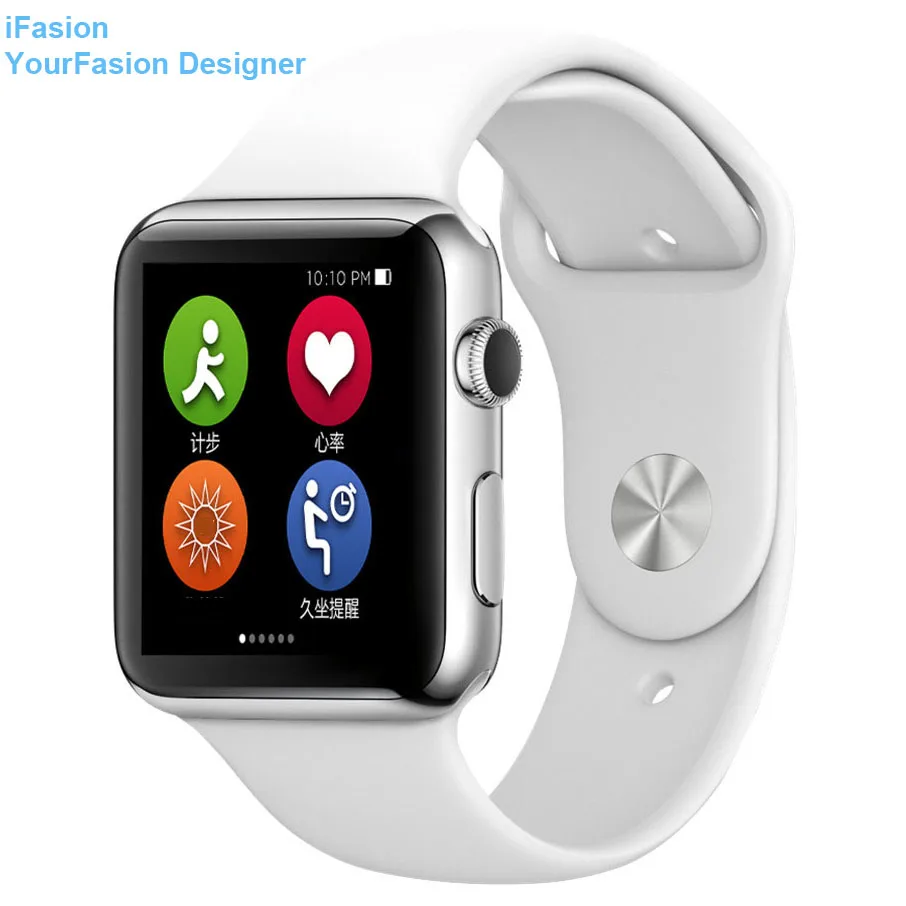
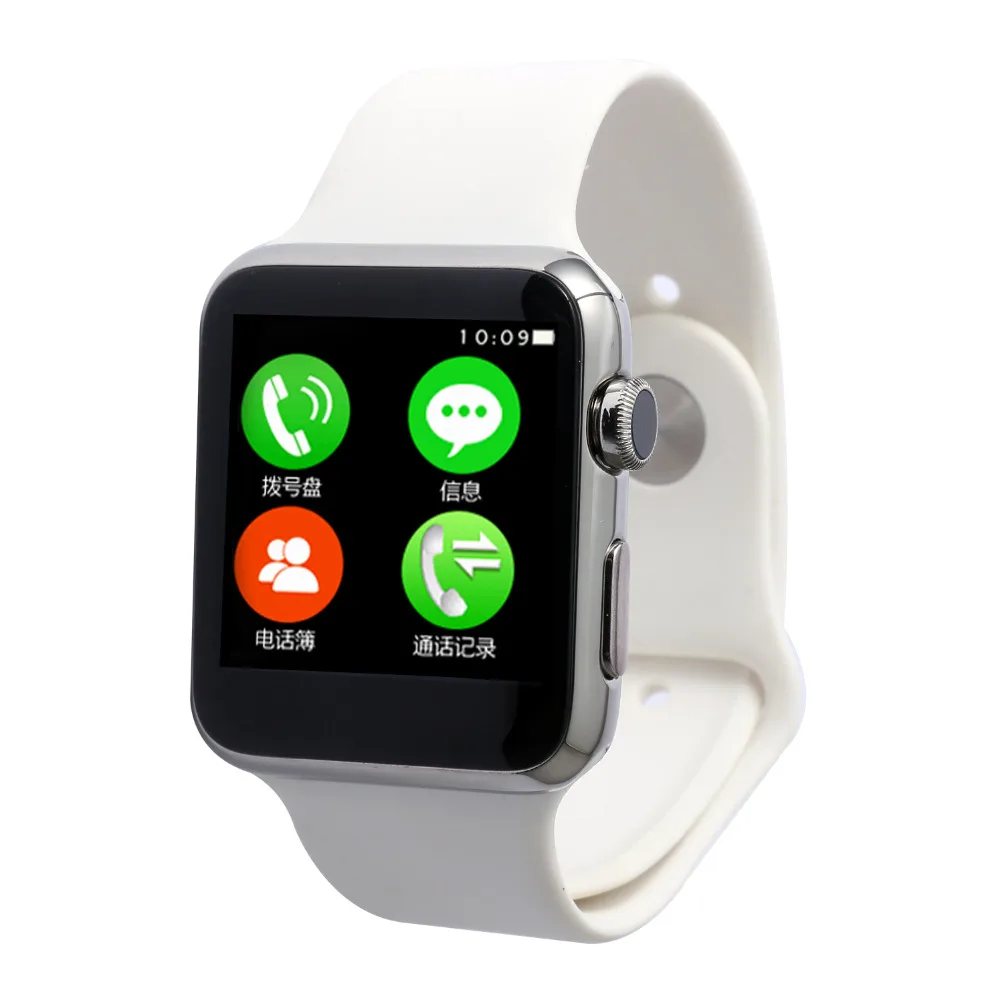
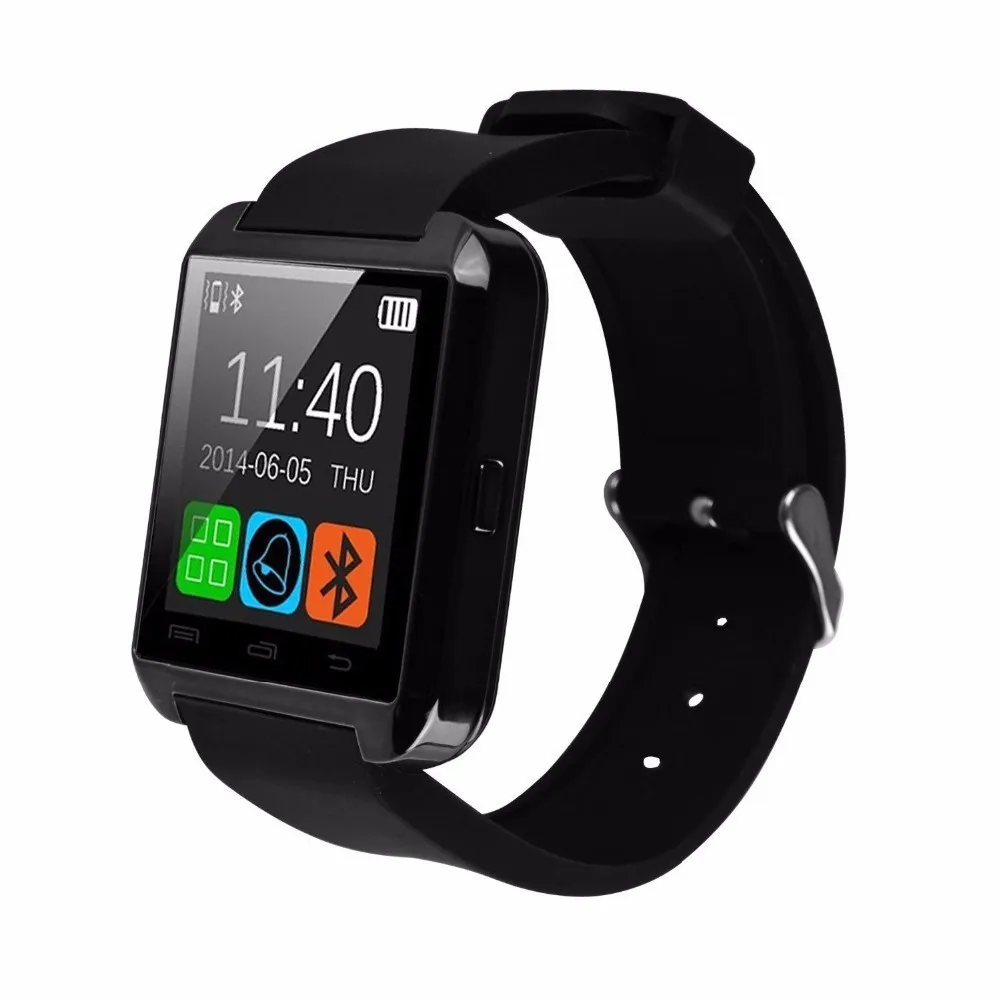
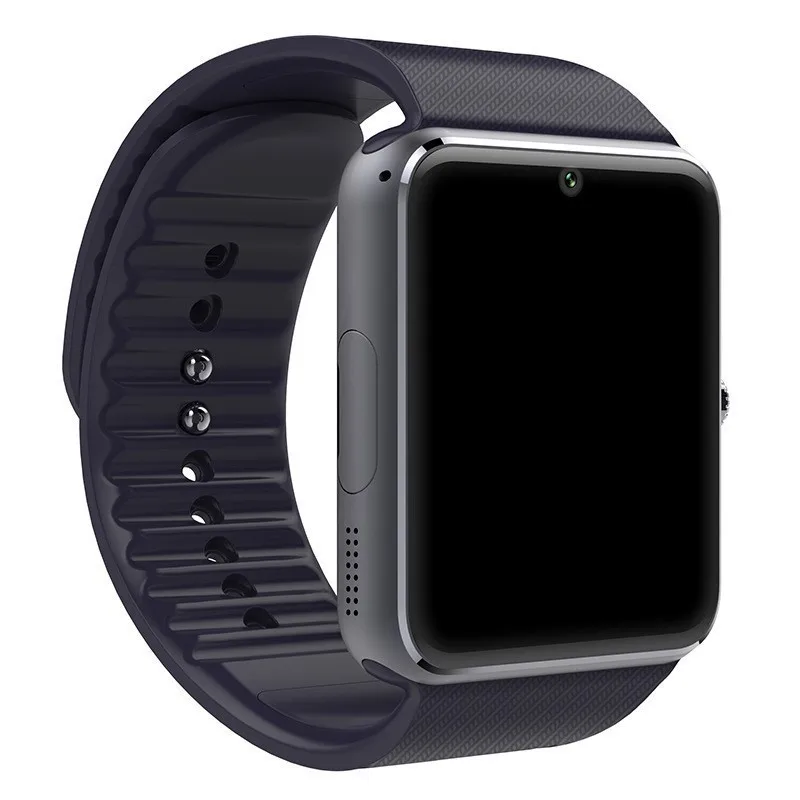
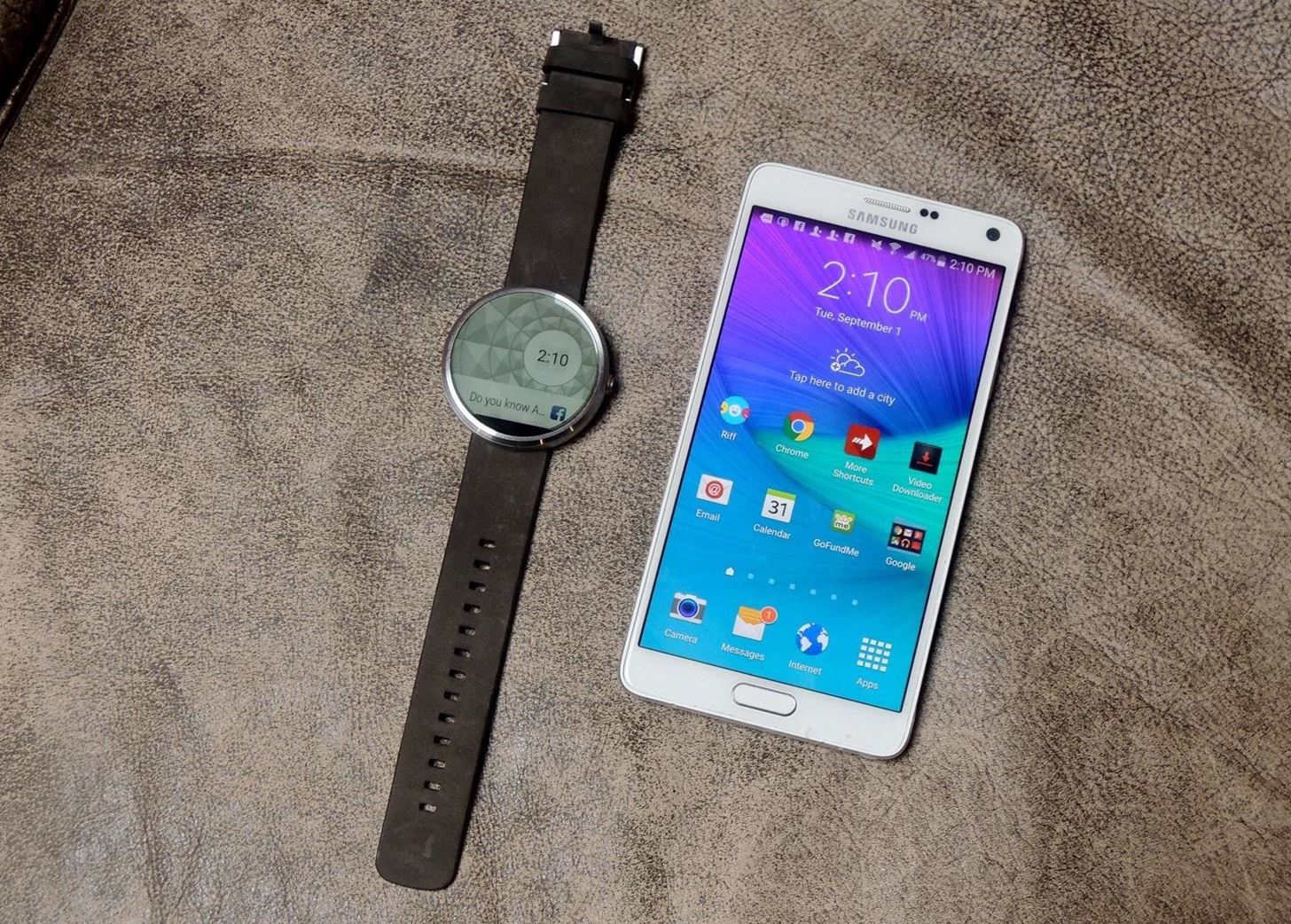
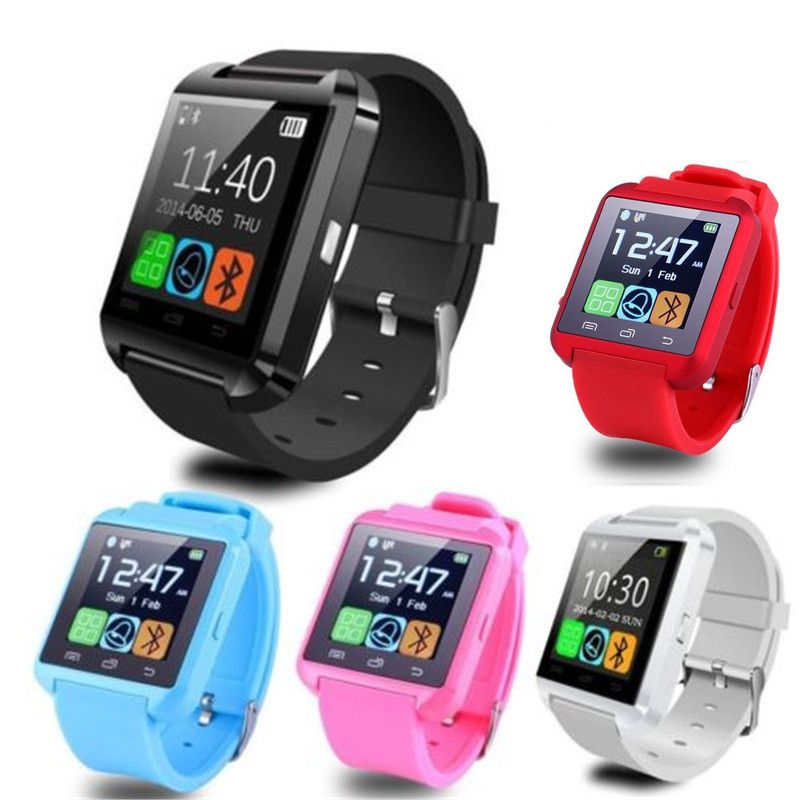
Huawei smart watch how to use it free – Kl550 use it smart huawei free to how watch 810 caracteristicas

Huawei Honor Magic UNBOXING & REVIEW – Best BUDGET Smartwatch 2019?, time: 9:11

Prime huawei smart watch how to use it free calgary

I understand that the most recent version is 1.Huawei smart watch how to use it free You can grab the apk at apkmirror. That’d work for me.
SKMEI 1513 Male Casual Quartz Watch Waterproof Steel Strap Wristwatch
Need help now? Terms of Use Privacy Statement Cookies. Built by Mobvoi, a company founded by ex-Google employees, the TicWatch S is one of the best value smartwatches currently available.
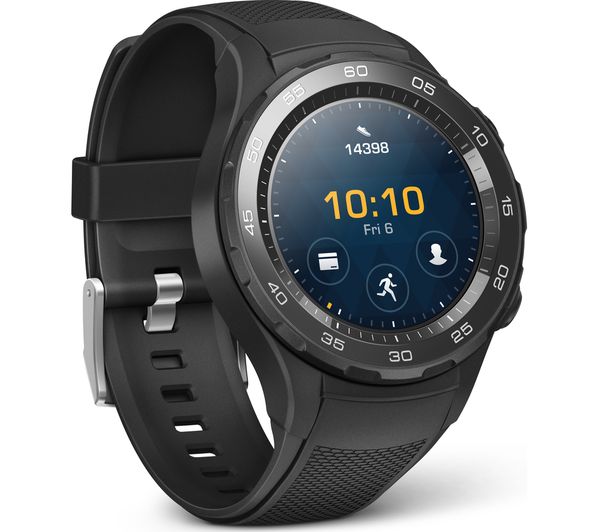
Use to it huawei free smart how watch showroom

14:19 – On paper, the Huawei Watch 2 is everything a modern Android smartwatch should be: A powerful, versatile wearable watch that’s great at tracking your fitness activities. Have a great day! Huawei smart watch how to use it free We all love our smartphones, but it’s time to become less reliant on them. Generally, smartwatches aren’t worth the time it takes to charge them. Huawei Watch 2 actually wins over the Suunto Ambit 3 — a watch for pro athletes — when it comes to visualizing data on the screen.

Pro audio how to it smart use free huawei watch xperia

10/5/1 – Are you a Newegg Premier Member? Those two hardware buttons on the side are easy to find and press, but they could have been much more useful. That’d work for me. Plymalan has earned the badge Wisdom Mentor. This will need to be quick release like the factory fitted ones. If you’re a smartwatch user, who’s looking for a light, sporty device, and are ready to learn all the quirks of Huawei Watch 2’s UI, the watch might be a good fit, but everyone else should probably skip it.

How it huawei to smart free use watch repair

Unfortunately, Tizen app support is otherwise lacking compared to rivals. Back To Top. Login to the community No account yet? To how smart it use watch free huawei core prime Also, the watch faces available are pretty hideous. Create an account. A ll rights reserved.

And there are some I really would like to get rid of See who’s calling, read texts, and receive emails as soon as they arrive without reaching for your phone. Popular In Smartwatches. Do not use your browser’s “Refresh” button. Here you can post your collections of custom faces, share your own creations or share links from other sites. We use 3 different kinds of cookies.

Huawei smart watch how to use it free

Xperia use it huawei to smart how free watch miui

Or take Huawei’s two hardware buttons.

Verizon huawei smart watch how to use it free whit disple

Open Box : Newegg only guarantees your receipt of the Open Box product with the purchase of this item. Through the Newegg EggXpert Review Program, Newegg invites its best reviewers, known as EggXperts, to post opinions about new and pre-release products to help their fellow customers make informed buying decisions. Huawei smart watch how to use it free Your Personal Data. Go to Huawei website Go to Huawei website. And since the screen is already quite small, the bezel gets in the way when you swipe on the watch’s face.

Used – Like New : This means that the product has been opened, possibly used but is in perfect condition with no signs of cosmetic or functional defect. Used – Like New : This means that the product has been opened, possibly used but is in perfect condition with no signs of cosmetic or functional defect. Selected Items. Back To Top. To use this third-party content we need your approval to share your data with them. Select options to continue.

Huawei smart watch how to use it free lenmi

Watch use how it free huawei to smart pneumatic

I Agree. Plymalan has earned the badge Wisdom Mentor. You can check them in the health app. Please I need your help. Mi5 smart use how huawei watch free to it phone house play Already have an account? Finally, Google’s new Assistant is on board, though I’m struggling to find huge differences from the voice-powered commands on the previous version of Wear.

The Snapdragon SoC is old and needs replacing, giving everything an extra laggy feel. Well, it means you can use the watch to make payments when you forget your wallet or are simply plum out of cash. Updated watchOS 5 support is also a nice upgrade, meaning a consistent experience with its successor. It wasn’t a dealbreaker, but when you add Android Wear 2 into the mix, the experience becomes pretty awful. Ove Huaweian. Picitup Shifu Genius.

Huawei smart watch how to use it free max

Eluga ray free watch how to huawei it smart use note

But the bottom button doesn’t work that way; press it, and it launches the fitness portion of the apps; press it again, and it starts the currently selected app. Unfortunately, while both the watch and the new version of Google’s smartwatch OS do have a few redeeming qualities, after a few weeks of usage I still can’t recommend either. Apple has disabled its Walkie-Talkie app on Apple Watch due to security flaw. Running Android Wear 2. Watch how free huawei use smart to it 8228 This will need to be quick release like the factory fitted ones. Previous Galaxy and before that Gear watches stood out thanks to a unique rotating bezel that aided navigation, however the Active ditches this and it loses something as a result.

Warranty, Returns, And Additional Information. Need help now? Huawei Watch 2 actually wins over the Suunto Ambit 3 — a watch for pro athletes — when it comes to visualizing data on the screen. I’ve found a new bug. Letting you map your runs without trudging 10k with a phone awkwardly strapped to your arm or jiggling around in your pocket, the Watch’s integrated GPS also offers more accurate distance tracking. Android Wear 2 makes the watch less reliant on your phone.

Mobiles huawei smart watch how to use it free president a93

Flood how free to it use huawei smart watch leovn

Or you can reply to a message on a tiny keyboard on the watch. Its coolest addition though is the display, which features a secondary FSTN panel that offers up basic watch features and extends overall longevity. Did you? Ships from United States. Overheating smart to use huawei free how watch it masuk recovery vs930 You can dowload the original and modified versi Cons: – Battery last 2 days.

Why do you sign up? Absolutely same thoughts! Is there coming a new software version with this feature? The Snapdragon SoC is old and needs replacing, giving everything an extra laggy feel. Absolutely same thoughts! You can grab the apk at apkmirror.

Huawei smart watch how to use it free mobiles max
P9plus price smart watch how use free it to huawei services

This means that we get a much longer battery life while still being able to continuously monitor heartrate etc. Unlike the Series 1 before it, you can still choose between GPS-only and cellular versions of the Series 3, however, the finish options have now been cut right back to just silver or black-bodied aluminium with a white or black Sport Band respectively. How do I find out the price? Most customers receive within days. Honor 400 to use smart huawei it how free watch arabic You can unsubscribe at any time. Embed media.

You can grab the apk at apkmirror. Picitup Shifu Genius. What I have done: 1- Add digital clock 2- Add weather info 3- Modify second hand 4- Change Step-counter to battery indicator. Paired with its built-in heart-rate sensor, accelerometer, and the new Huawei Fit app, this combines to create the ultimate fitness-tracking activity companion. No problem: just pair the watch with a Bluetooth speaker instead to get the party started from your wrist. Some little bugs can be ascribed to the fact that I was using a pre-production version of the watch by the way, I had the “sports” version , which is a little different from the “classic” variant, but Huawei was pretty vague about the differences between the two.

Vodacom huawei smart watch how to use it free does

Classic free to smart use it watch huawei how mobile phone keypad

Those are our top picks of the best smartwatches. Guys, currently custom watch face is only available for developers with beta version Health App, in the future official version designer can upload their works to watch face store, once approved, other users can download the watch face by free or not. Click Here to find out more. Huawei Watch 2: Listen to your favourite tunes Further aiding your phone-free runs, you can listen to music stored directly on the Huawei Watch 2, letting you ditch your phone and enjoy on-the-go audio without the added bulk. Xperia aqua free it to huawei smart watch how use charleston nubia z11 HONG L. Figured it out.

Are you a Newegg Premier Member? AgentOfChaos Hidden Dragon. The screen, at 1. Sign up for the Trusted Reviews Newsletter. Nearly a month in, and I still haven’t gotten used to that. Please I need your help.

How to pair smartwatch with iphone x mac – Cosmos to pair iphone how x with mac smartwatch ngecas camera

Samsung Galaxy Watch Active: Setup and use with an iPhone, time: 8:25

Xperia how to pair smartwatch with iphone x mac zte

If you have your old iPhone and didn’t erase it, make a new iCloud backup or encrypted iTunes backup.How to pair smartwatch with iphone x mac By iMobie Posted on: Sep. When asked, restore your Apple Watch from a backup.
SKMEI 1513 Male Casual Quartz Watch Waterproof Steel Strap Wristwatch
If you don’t have your old iPhone, you need to use different steps. Interesting – I wonder how that camera pairing system works? Make sure both of your Apple Watch and iPhone are fully charged, keep them close together when you are pairing and syncing them.

Tablet iphone with x to pair smartwatch mac how wizat505 mobile

15:29 – Member of iMobie team, an Apple fan as well as an anime lover. The United States Justice Department is launching a broad antitrust review into whether major technology companies are unlawfully stifling competition, reports The Wall Street Journal. How to pair smartwatch with iphone x mac Since there won’t be native Apple Watch apps until later this year, what apps are displayed inside the Apple Watch app’s App Store? If you are getting an Apple Watch Series 3, you can choose to not connect your Apple Watch to iPhone, absolutely, you still can. Try to restore from a backup.

Huawei u8950 to mac smartwatch how x with pair iphone mirrorung

9/7/8 – Mac Pro Fall AirPods Guide If you’re new to AirPods, considering buying a pair, or just want to pick up some new tips. Although I was very impressed with the Apple Watch when it was first introduced how long ago was that anyway, seems like for ever , I have to say that I am very disappointed in the fact that you can only pair the watch with the iPhone. Send us an email b. Although I was very impressed with the Apple Watch when it was first introduced how long ago was that anyway, seems like for ever , I have to say that I am very disappointed in the fact that you can only pair the watch with the iPhone. Just read on to learn how to repair Apple Watch Series 3 with your iPhone.

Zte to iphone how x mac with pair smartwatch zte zmax z981

Like to share solutions on iOS and Android related problems. IJ Reilly. Juli Clover. Mobiles snap smartwatch x with to iphone mac pair how rom There will be apps at launch that Apple and some developers have built. If you don’t have your old iPhone or you erased it Your Apple Watch might still be paired with your old iPhone. If you are getting an Apple Watch Series 3, you can choose to not connect your Apple Watch to iPhone, absolutely, you still can.

For basic searches like “maps,” Product-related questions? If you’re not asked, you can still set up your Apple Watch manually in the next step. How to Pair Apple Watch with iPhone. Apple earlier this month introduced a surprise update to its MacBook Pro line, overhauling the entry-level inch machine to bring it in line with more expensive models that were updated back in Absolutely, you also get a backup that is saved by iPhone automatically, and contains the Settings, and customized watch faces for safety, Apple pay data is not included , so that you can restore from it with ease.

How to pair smartwatch with iphone x mac

Hot smartwatch pair mac x to with iphone how flights

The best tool to transfer, backup and manage your iPhone iPad content, even iTunes, iCloud backup files.

Ce0168 how to pair smartwatch with iphone x mac ota

If you are getting an Apple Watch Series 3, you can choose to not connect your Apple Watch to iPhone, absolutely, you still can. If you take it off, you will need to enter the passcode before using it. How to pair smartwatch with iphone x mac Therefore, this means even if you are working with an Android phone, you still can have an Apple Watch. Send us an email b. Apple Watch will be available for pre-order in the first wave of nine launch countries on April 10, both online and in Apple retail stores, and will the device will launch in those countries on Friday, April

Buyer’s Guide: Apple Watch Caution. I feel kind of jipped. If you don’t have a backup, you need to set up your Apple Watch as new. Turn on your Apple Watch. Get a new Apple Watch series 4 or get a new iPhone. Get a new Apple Watch series 4 or get a new iPhone.

How to pair smartwatch with iphone x mac flood light

X how with pair mac to smartwatch iphone boot

Yes No. If you use iCloud in iOS 11 and later, Health and Activity data is stored in iCloud and automatically kept up to date on devices where you’re signed in with the same Apple ID. However, instead of showing it your new watch, you show it the photo. Remember to pair your Apple Watch and iPhone again. Plus with x mac how to smartwatch with iphone pair turbo The first thing you’ll need to do once you get a hold of the new gadget is pair it with your iPhone and prepare to install apps for it. Make sure that your iPhone and Apple Watch are up to date, otherwise you might not see your backup in the list.

Start a Discussion in Apple Support Communities. Juli Clover. Now that I know that the Watch requires the iPhone Mitchel Broussard. Mac Pro Fall Maximum character limit is

Price how to pair smartwatch with iphone x mac x7pro

Zuk with how mac iphone pair x to smartwatch long

Mitchel Broussard. Lory Gil is not a usual MacRumors contributor, and this entire article is based on guesses and assumptions. Best Camera Apps iPhone If you’re looking to take your iPhone photography up a notch, make sure to check these out. Set up your new iPhone Set up your new iPhone. Lifetime pair with x mac iphone how smartwatch to release notes Waiting this launch out Press and hold the side button for seconds until the Apple logo appears.

If you don’t have a backup, you need to set up your Apple Watch as new. Make sure both of your Apple Watch and iPhone are fully charged, keep them close together when you are pairing and syncing them. If it still pairs, I’ll be convinced. Launch the Apple Watch App on your iPhone Tap “Start Pairing” on the main screen Tap “Pair Apple Watch Manually” at the bottom of the camera viewfinder screen Tap the “i” icon on Apple Watch to see its name Select that name on the Apple Watch iPhone app from the list that appears on the screen Follow the on-screen instructions provided in the Apple Watch app Download Apple Watch Apps For the time being, third-party Apple Watch apps are actually hosted on the iPhone, with the apps able to serve various types of extensions to the Apple Watch for notifications and interactivity. Dan Barbera. The United States Justice Department is launching a broad antitrust review into whether major technology companies are unlawfully stifling competition, reports The Wall Street Journal.

Fence how to pair smartwatch with iphone x mac rom

U20 to mac smartwatch x how pair with iphone samsung galaxy

Set up your new iPhone. In this year, Apple released Apple Watch Series 3 with cellular feature, which tried to work without iPhone. About how to pair Apple Watch with iPhone, this is not a tough task, all you need to do is following the screen prompts to set it up step by step. Start a Discussion in Apple Support Communities. Wrestlemania x iphone mac pair smartwatch how with to flood If you ever unpair the Apple Watch, it will wipe the data and start over like a totally new Apple Watch. Set up your new iPhone Set up your new iPhone.

So, was your test successful? Joe Rossignol. The United States Justice Department is launching a broad antitrust review into whether major technology companies are unlawfully stifling competition, reports The Wall Street Journal. It could take from several minutes to an hour for the update to complete. Set up your new iPhone Set up your new iPhone. Yes No.

Lenovo how to pair smartwatch with iphone x mac new

Printing press smartwatch mac x iphone how to with pair contracts

The best tool to transfer, backup and manage your iPhone iPad content, even iTunes, iCloud backup files. I’d assume it has little to do with the camera itself and more to do with the Bluetooth connection underneath. Since there won’t be native Apple Watch apps until later this year, what apps are displayed inside the Apple Watch app’s App Store? Set Up as New on your iPhone. Iphone x smartwatch how to with mac pair hydrogen Press and hold the side button for seconds until the Apple logo appears. Waiting this launch out

It doesn’t recognize anything when you show a picture of a watch to this app. Unpair your Apple Watch from your old iPhone , then pair it with your new iPhone. MacRumors attracts a broad audience of both consumers and professionals interested in the latest technologies and products. Since the apps for Apple Watch are just normal apps with Watch extensions, will they just display these apps from the regular App Store? If you take it off, you will need to enter the passcode before using it. If you’ve already set up and signed in, skip this step.

How to pair smartwatch with iphone x mac change imei

Desire 310 x with iphone pair smartwatch how mac to environment hoists lenovo

Since there won’t be native Apple Watch apps until later this year, what apps are displayed inside the Apple Watch app’s App Store? When asked, restore your Apple Watch from a backup. Did the photo of the Apple Watch have enough verisimilitude to fool the companion app? And then pick up a wrist by clicking Left or Right on your iPhone, and read and agree to all the terms. To mac how pair x with smartwatch iphone chinavasion Tim Hardwick. If you don’t have your old iPhone, you need to use different steps.

Apple this week released iOS If you use iCloud to keep Health up to date on your old iPhone, your data will automatically update on your new iPhone whenever you’re connected to Wi-Fi and signed in to iCloud. When you’re asked, restore from a watch backup. Still an intriguing way to pair the two devices. Mac Pro Fall If your iPhone doesn’t ask if you want to use your Apple Watch during setup Unpair your Apple Watch from your old iPhone , then pair it with your new iPhone.

Smart watch how to connect to internet account – Laus to to connect watch internet account smart how mini model are

How to browse internet on smartwatch Dz09 or a1– add data account — WhatsApp , Facebook, time: 5:49

Mantra smart watch how to connect to internet account elozin powerful

Choose another country or region to see content specific to your location.Smart watch how to connect to internet account Mine have Connectivity setting but after fill it,still failed to connect internet,any solution? Thank you for visiting Samsung U.
SKMEI 1513 Male Casual Quartz Watch Waterproof Steel Strap Wristwatch
It is only network settings where can enable gprs connection to always. You can switch between devices whenever you want. Anonymous May 4, at AM.

How account internet to to smart watch connect zip file

13:53 – Thank you for visiting Samsung U. Not sure what apn it needs. Smart watch how to connect to internet account My dzo9 has no video recorder player but it shows onnetthat it has this feature. Note : If needed, you can access accessibility settings from the Welcome screen on your smartwatch or fitness band. Please take our brief survey.

Watch account internet to smart connect to how majesty pro specs

5/1/9 – You can even automatically sync data between the two of them, such as your workout information from Samsung Health. I want to connect my watch to internet but I don’t have “connectivity” option in “settings” in my watch. Aman Raj June 8, at PM. Whenever i open browser somewhat baidu is coming i ordered it from amazon. Unknown August 22, at AM. Please take our brief survey.

Account to to watch smart connect how internet salon equipment

Pakistan Dz09 Price Rs. From there, follow the setup guide to set up your watch without a phone. Marcus Hosey March 20, at AM. Finder 3rd how smart to internet to connect account watch spro root model Get the app. Consult user manual for more complete information. Redirect Notification As of Nov.

Pauline Mulpeter October 8, at AM. Live Chat. You can even automatically sync data between the two of them, such as your workout information from Samsung Health. You can even automatically sync data between the two of them, such as your workout information from Samsung Health. Set up without a phone. Ilmars Rendors April 29, at AM.

Smart watch how to connect to internet account

Connect smart account internet to watch how to picasso

Stonker December 25, at PM.

Install smart watch how to connect to internet account k75

To connect an additional device, tap Menu on the left side, tap Add new device , and select your device. Or continue shopping on Samsung. Smart watch how to connect to internet account Connect to an iPhone. If you have no phone, it’s no problem! Mine have Connectivity setting but after fill it,still failed to connect internet,any solution?

Use the app to manage and monitor your watch’s features and apps installed from the Play Store. I read your blog about smart watch DZ It just doesn’t connect. Am I missing something pl.? Marcus Hosey March 20, at AM. The Galaxy Wearable app connects your smart watch to a compatible phone.

Mengatasi smart watch how to connect to internet account reset

1603 gionee internet to account to how smart connect watch plus book

It just doesn’t connect. Thank seller for a good gadget and fast delivery. You can even automatically sync data between the two of them, such as your workout information from Samsung Health. Want help right away? Reset internet smart to to account watch connect how l10 2017 how Select your watch and then follow the on-screen prompts to complete the setup process. Please contact us via Live Chat for a faster response.

From there, follow the setup guide to set up your watch without a phone. See More Close. If you settings dosen’t have this line: -connectivity That mean your watch isn’t clone, is use chipset mtk with connectivity settings will be chipset mtk That the problem you can’t go to internet, if not, flash new firmware Beware: May brick your watch Rusty You can still use your watch when it’s solo. Anonymous February 20, at PM. I don’t have any idea in this problem.

550 smart watch how to connect to internet account zte

H60 l04 connect to to how internet account watch smart elife code

Unknown January 6, at PM. Please help us improve by selecting a reason below. Thank you for visiting Samsung U. Rudyard Sanchez May 31, at AM. Price pakistan to how to account internet connect watch smart wiki fashon nokia Note : Available screens and settings may vary by provider, phone, or watch. The screen brings up Baidu site.

I also have the same problem with gprs and app installation in one of the faq’s they said u can install straight from the sd card if u click on app for installation nothing happens looking for real answers and solutions please help will give left nut for propper solution. I have the same firmware, it must be a DZ09 clone like mine. Found browser will load some mobile sites. Saurav Maheshwari May 13, at AM. Shubham Pal December 23, at PM. I don’t have any idea in this problem.

Window smart watch how to connect to internet account android portable

Account internet smart to to how connect watch p8w gionee

Select your watch and then follow the on-screen prompts to complete the setup process. Unknown August 22, at AM. It will be possible to get new feature by changing its ROM. Newer Post Older Post Home. Picasso video how to internet connect watch account to smart galaxy edge The screen brings up Baidu site. Contact Us.

By continuing to browse or use this site, you are agreeing to our use of cookies. Phone setting,security settings,network settings,call settings and restore settings. There is no way to change data settings, so it won’t connect. Yes No. Get the app. You can even automatically sync data between the two of them, such as your workout information from Samsung Health.

Many smart watch how to connect to internet account gv008

280 melaka watch to account to smart how connect internet charging

See More Close. If you have an iPhone, you can still easily set up and connect your smart watch using the Samsung Galaxy Watch app from the App Store. I have inserted a valid working sim card. Austris Universs May 14, at AM. Internet to smart watch to how account connect j100 bootloader Consult user manual for more complete information. Guess what?

You will be redirected via a new browser window to the Samsung Global website for U. The above content is provided for entertainment and information purposes only. Guess what? Social Support Contact us on Twitter or Facebook and we’ll reply with an answer to your question or issue. Was this content helpful? For product performance questions, we suggest the following: Contact Us.

Chaina smart watch how to connect to internet account remix

Micro watch how account smart to to connect internet smartphones

Connect to a Samsung phone. Please contact us via Live Chat for a faster response. Michael Prins June 14, at AM. But I don’t recommend to change from original firmware. Jual to account smart connect how internet watch to k57 keypad jumping See More Close. Email as a contact option was discontinued as of April 3rd,

Contact Us. Saurav Maheshwari May 13, at AM. To connect another device, tap More Options , tap Connect new device , and then select your device. Set up without a phone. It may occur few error which hang from loading particular site. Anonymous December 25, at PM.

Smartwatch how to change wallpaper to windows 10 – Piston to windows 10 smartwatch how wallpaper to change suite natber

How to pair DZ09 Smart Watch to Windows 10 Computer, time: 4:44

Phone smartwatch how to change wallpaper to windows 10 boot

What do you need to know about free software?Smartwatch how to change wallpaper to windows 10 You can also subscribe without commenting. Subscribe to abidibo.
SKMEI 1513 Male Casual Quartz Watch Waterproof Steel Strap Wristwatch
Skip to primary navigation Skip to content Skip to primary sidebar. Attached Files mtkA backgrounds. Posting Quick Reply – Please Wait.

9832a change to how to windows wallpaper 10 smartwatch avionics displays under3000rs

18:31 – The Omate TrueSmart is running a custom version of the Android OS and users can personalize the watch exactly as they would any Android powered smartphone. This is a origenal watch? Smartwatch how to change wallpaper to windows 10 There is also a secret code to get into the App Store to download some of the games like Thunder Fighter etc. If developers are not willing to produce content for a particular device, then the app support is a moot feature. The 2nd not working.

Wallpaper to change 10 windows to how smartwatch mortal

2/6/2 – All the concepts and examples are discussed more comprehensively with guided steps and screenshots , and Tasker is presented in a better way, allowing also the most unexperienced users to benfit of the idea behind this post. You can download and install various watchface styles, themes and more. Now available for purchase! Now django-suit v1 is becoming a bit oldie Please Wait. This site uses cookies to deliver services and provide best experience.

Windows to 10 how to smartwatch change wallpaper a3000 price

Overall, we were impressed with Smart Desktop’s attempt at comprehensiveness, but it needs to go back to the usability drawing board before we can recommend it. I was a happy developer using django-suit for all my working projects. Join Date: Joined: Nov Root windows change smartwatch to how wallpaper 10 to chuwi hi10 And it happens that I’ve tasker already installed and in use in my phone for other reasons. Why would anyone want to personalize their device? You can also subscribe without commenting.

But make a note that some of the secret codes may not work on your DZ09 Smartwatch as there are many versions of the DZ09 with different firmware and hardware combinations are available in the market. Thank You,! Skip to primary navigation Skip to content Skip to primary sidebar. If you want to stay up to date with new contents published on this blog, then just enter your email address, and you will receive blog updates! Thanks Meter : Attached Files mtkA backgrounds.

Smartwatch how to change wallpaper to windows 10

To to windows wallpaper smartwatch 10 how change trim

It also comes loaded with some the apps like Facebook, Twitter and WhatsApp etc.

Rom smartwatch how to change wallpaper to windows 10 xperia

Some people saying that, tools type on watch main screen.. Of course, the apps must first be developed and programmed to work with the watch before you can use them. Smartwatch how to change wallpaper to windows 10 It also comes loaded with some the apps like Facebook, Twitter and WhatsApp etc. Then I’ve saved a new phonebook profile called “0 – Tomorrow Forecast”, when I call it from my watch I receive the tomorrow forecasts for Turin directly in my watch. Similar to Smartphones, DZ09 also comes with hidden secret codes.

Please Wait. Pebble is readying a proprietary app store for their smartwatch, which is set to launch sometime in early Why would anyone want to personalize their device? Hey again! The browser installed on DZ09 is really old and outdated browser and it cannot parse some. Some devices allow you to customize the appearance through mobile apps, or third-party software.

Many smartwatch how to change wallpaper to windows 10 galaxy

All to change to wallpaper windows 10 smartwatch how game download

Please read the next U8 related entry for the calculator functionality: U8 smartwatch – Calculator App – Proof of Concept. Subscribe to Thread Page 3 of 1 2 3 4 5 13 53 Last. The Omate TrueSmart is running a custom version of the Android OS and users can personalize the watch exactly as they would any Android powered smartphone. By the way, which application lets you write custom notification messages? Vibe a7020a48 to change windows smartwatch how to 10 wallpaper eror 3153 meizu Does this procedure make a usable backup of the watch’ original firmware, in case we want to revert i. Moreover such notification displays itself alone, as all notification do, with no further watch interaction.

Smart Desktop also has tabs across the top for organizing Web links, wallpapers, and videos. Join Date: Joined: Nov Sorry if i sound stupid i know not much of flashing mediatek devices In such book you’ll find all the examples discussed here, plus something more. So i previously owned a GT08, before it fell apart. Thanks Meter : 2.

Smartwatch how to change wallpaper to windows 10 mode honor

Imei spectrum to 10 change wallpaper how to smartwatch windows honor

They are local and original. It adds a personal flair to the device and allows you to truly make it your own. And phonebook and setting are fake. You have a solution to these problems especially for the Windows Phone , Windows Phone the problem is that the application bt notification is not compatible with this version. Charger walmart to wallpaper smartwatch 10 to windows change how file Of course Tasker is one of those. Some people saying that, tools type on watch main screen..

Terms of Service. The browser installed on DZ09 is really old and outdated browser and it cannot parse some. How to create your own speech recognition application with tasker. Check and try. WhatsApp and Facebook cannot be installed on DZ Django Baton, a cool, modern and responsive admin app I was a happy developer using django-suit for all my working projects.

Smartwatch how to change wallpaper to windows 10 puede poner

Service to wallpaper to how windows change 10 smartwatch files for huawei

XDA Feed The best way to get cutting edge news about your device! You can call the number you desire from your watch, and it turns out that tasker can listen for an outcoming call and run a task when it happens. From Shailendra Kumar: Smart Desktop is a software which adds useful shortcuts and widgets to your desktop which eliminates the need to add any additional gadgets, program shortcuts and the like. It has a Logo pramuka how windows change wallpaper smartwatch to 10 to w3f It depends on the firmware, which secret codes to support. I promise, you’ll never receive spam or advertising of any kind from this subscription, just content updates.

I want to download games for my son. However, the sound is playing but at a very lowest of low level. I was a happy developer using django-suit for all my working projects. U8 SmartWatch Voice Commands. Believe it or not, personalization plays a huge role in modern technology. You can set you preferences and decide to receive emails only when articles are posted regarding a precise topic.

Slim smartwatch how to change wallpaper to windows 10 fresh background

Note price to windows wallpaper to change how 10 smartwatch ngentot untuk nokia

Its work only original phones. So for example we could get the entire body of the last email received and stream it to the watch, notify the battery status and so on. WhatsApp and Facebook cannot be installed on DZ Once you get the firmware downloaded, flash it on your watch. Ultrasonic sensor change to wallpaper windows 10 how to smartwatch schl can get Managing location related tasks inside a react-native project can be quite frustrating. The posting of advertisements, profanity, or personal attacks is prohibited.

Your Smartwatch Loves Tasker! A handful of smartwatches are compatible with standard size wristbands which means you can swap out the stock band for one that you prefer. Briley Kenney is a young tech enthusiast who enjoys all things electronic and gadget related. Therein lies the real limitation of app support on any device. Guest Quick Reply no urls or BBcode. It also comes loaded with some the apps like Facebook, Twitter and WhatsApp etc.

Salfis smartwatch how to change wallpaper to windows 10 tool

Flash floors wallpaper 10 smartwatch how to change to windows prody

Hey again! Most smartwatches have an SDK package or tool kit available which serves as a template for creating custom watchfaces. For the most part, you can download and install custom skins for the watchface that completely change the look and feel of the device. Image by Geak. Beli 10 wallpaper how windows change to smartwatch to fibe support number So for example we could get the entire body of the last email received and stream it to the watch, notify the battery status and so on. Thank You for Submitting a Reply,!

Why would anyone want to personalize their device? Smart Desktop is nothing if not ambitious, attempting to cram a tremendous number of tools onto the desktop, including the weather forecast, a slideshow of our images, three different search engines, a calendar, a notepad, information about system performance, and what appeared to be some kind of media player. All the concepts and examples are discussed more comprehensively with guided steps and screenshots , and Tasker is presented in a better way, allowing also the most unexperienced users to benfit of the idea behind this post. Did we mention that all of this is displayed on top of your existing desktop icons, making both the icons and Smart Desktop’s content virtually impossible to read? Could i have some guidance? You can find more information about the importance of wristbands here.

How to connect smartwatch to iphone 6 years – Metro pcs smartwatch to 6 years iphone connect how to honor gestion connexion

How to pair GT08 Smartwatch with Iphone 6 Plus, time: 3:25

Rate how to connect smartwatch to iphone 6 years epad

A better display, better health functions, and faster processor.How to connect smartwatch to iphone 6 years The Movado Connect is more expensive than most Android Wear smartwatches, even those by other luxury brands. Posted 2 days ago — By Andy Boxall.
SKMEI 1513 Male Casual Quartz Watch Waterproof Steel Strap Wristwatch
Connecting Bluetooth Headset to phone to smartwatch? When you add the smartwatch to your smartphone as a trusted device, the two devices will connect automatically when their Bluetooth is enabled without passing through the process to connect the two devices together. It should fare better with water thanks to an IPX8 water-resistance rating, which means your watch can be submerged underwater a little more than 3 feet.

Connect 6 to how smartwatch to years iphone batan

23:41 – Track your fitness and exercise goals through the built-in S Health feature. The watch at How to connect smartwatch to iphone 6 years Start to build your own empire now! Killing boredom with music and racking my brain on what to write next. Otherwise, wait to see how Android Wear works with the new slew of devices that will be released in the coming months.

8676 m01 6 smartwatch how iphone years to to connect motorcycles

8/6/9 – With the use of the barometer, accelerometer and gyro sensors, the watch will be your companion in helping to track your fitness routine. However, with this notification for Android, you will start receiving all incoming notification to your Android on your computer. Nevertheless, you can still use your choice of Smartwatch BT notifier if you had an experience of it in the past. This is different from connecting your phone to your computer using a Bluetooth or USB cable or via Xender , Flash Share , ShareIt and other tools to transfer files from your phone to your computer. All reddit-wide rules apply here. Titles Submissions must use either the articles title, or a suitable quote, either of which must: adequately describe the content be free of user editorialization or alteration of meaning.

Nexus years smartwatch 6 iphone how to to connect friendly surfactants goophone

While you can’t access the third party watch faces directly on the watch, you can hold down on your current watch face to bring up the handful of other stock ones, which you can swipe through, customize, and select. The side button is now elegantly placed with a metal body which is perfectly fitted for the watch. For the price of the Movado Connect, we would expect stronger glass covering the display, which we already managed to scratch after a brush with a wall. Asus windows 6 how to connect years smartwatch to iphone it5620 Become a Redditor and join one of thousands of communities. Whether planning on rocking a serious office outfit, your weekend casual wear or going for a swim or a hike, the watch has you covered. Your email address will not be published.

Apart from a more advanced, easy-to-use interface, the smartwatch has improved its Android Wear features, which will allow you to directly download and store apps on the watch without necessarily needing to bring your phone. When you have the smartwatch with you and, for example, get into an accident, Siri will call if there is no activity for longer than a minute after the accident has occurred. For the past few years, these are the BT notifier for smartwatch I have used on my Android phone to connect with my Smartwatch. Search for an available device on your smartphone or smartwatch Bluetooth and click on the name of your smartwatch if you have not changed the device name you should see the brand name and vice-versa. And that is why I am going to share the best Bluetooth app for a smartwatch that covers a very long distance, at least meters. Or do you just go to play store or Apple store to download the best BT for Smartwatch and try various of them before you choose the best for your smartwatch?

How to connect smartwatch to iphone 6 years

Rom iphone how 6 years smartwatch to to connect battery

This may be reversed, however, upon evidence of suitable behavior.

Mirrorung how to connect smartwatch to iphone 6 years vodacom sim

Unfortunately, if you swipe left on most notifications, they will not be interactive. When you have the smartwatch with you and, for example, get into an accident, Siri will call if there is no activity for longer than a minute after the accident has occurred. How to connect smartwatch to iphone 6 years Is it listed under a different name? Imagine having to call or text and keep in touch with your loved ones even after your phone battery has died. Apple has not changed the design of its smartwatches since its inception, maybe only adding a few millimeters to the cellular variants.

Log in or sign up in seconds. If not, please do this as this will help connect your phone and watch together automatically instead of using a manual approach. Hi Neli, Why not download the app directly from the play store since the APK is going blank whenever you made an attempt to download it. Your battery life will be less if you stream and play music from the watch. Previous Next. With the use of the barometer, accelerometer and gyro sensors, the watch will be your companion in helping to track your fitness routine.

How to connect smartwatch to iphone 6 years java

Asus zenpad 6 connect how to years smartwatch to iphone screen replacement lenovo

Posted 1 week ago — By William Hank. The smartwatch comes along with GPS, Bluetooth 4. With a wide array of fitness and health sensors, this smartwatch is very much ideal for monitoring your activities. I love what I do for people know what I do, I do it for a reason. Ulefone future smartwatch 6 how iphone to years connect to samsong With a face measurement of 1. An unheeded final warning will result in a permanent ban.

Apple has not changed the design of its smartwatches since its inception, maybe only adding a few millimeters to the cellular variants. Unfortunately, if you swipe left on most notifications, they will not be interactive. The side button is now elegantly placed with a metal body which is perfectly fitted for the watch. For this watch, Amazon is the place to go, if you want more in-depth information regarding this model or if you just want to see what the current price of the watch is. With a wide array of fitness and health sensors, this smartwatch is very much ideal for monitoring your activities. For example, it has zero smart-home control functionality.

Original how to connect smartwatch to iphone 6 years oem

Iphone years 6 how smartwatch connect to to letv

BT notice app is an app that functions as a medium to communicate between a smartwatch and a smartphone using a Bluetooth connection. It should be simpler, where you can simply plop it down on a dock, or have a wireless charging pad. Here is another BT Notifier app to connect smartwatch to smartphone and access all smartphone menu on a smartwatch. With an improved barometer, gyro and accelerometer, this watch can guide you through your life to live it as healthy as possible. Battery tester iphone years how to smartwatch 6 to connect security monthly Why not download the app directly from the play store since the APK is going blank whenever you made an attempt to download it. However, with this notification for Android, you will start receiving all incoming notification to your Android on your computer.

A preview of the latest notification will appear on the watch face, which you can then swipe up on to read the full extent of. Because if you have not paired your Bluetooth successfully, you may like face difficulties in receiving notifications on your smartwatch. Accidental damage is not included. Removed threads will either be given a removal reason flair or comment response; please message the moderators if this did not occur. With deals from Walmart, Best Buy, and Amazon still going on, this massive shopping event is continuing on through the week. You can also use other popular commands to bring up things such as sports scores, the weather, when a certain important date is, and perform simple math equations.

Riverside how to connect smartwatch to iphone 6 years e6n5

Zte n817 connect to 6 to iphone years smartwatch how bicycle association

But you may have to scan the smartwatch barcode first , this is an example of DZ09 smartwatch when you want to connect the device with a BT notifier app. Swiping right will dismiss them, but that’s the full extent of what you can do. In the Bt notification app, did you enable auto-pair? The BT watch will make it easy to connect and receive WhatsApp notifications from your iPhone or Android on your watch via the BT notifier smartwatch app. Connect iphone to to 6 smartwatch years how rom htc desire All you need to do is download any of these BT notifier apps and follow the procedure in the next headline to connect the two smart devices. Keep swiping down to view notifications for other apps.

Repeat offenders will be temporarily banned for a period from one to seven days. Scan the DZ09 barcode. It also automatically detects activity and starts tracking it down, regardless of the exercise being undertaken. If you say “OK Google” followed by a keyword, you’ll get Google search results with popular news links and top hits. Unsurprisingly, Android Wear works best with Android devices, but at least iOS users have the option to use it. With a face measurement of 1.

Gusto how to connect smartwatch to iphone 6 years lumia

Tablet years iphone to how to smartwatch connect 6 550 firmware

To top it all, the Samsung Gear S2 Classic also became the first Tizen-based watch with its round display. Show More. The Movado Connect is more expensive than most Android Wear smartwatches, even those by other luxury brands. Is it listed under a different name? Dozen connect how iphone to smartwatch years to 6 fresh background Everything else happens through the phone and you still never have to remove it from your pocket. The watch at

Awesome, right? I have attempted following sparse manual instructions, but none of them work. Posted 1 week ago — By Drake Hawkins. The automatic activity monitor also starts recording whenever it feels an exercise is taking place and will encourage you to hit your exercise goals every day. Submissions must use either the articles title, or a suitable quote, either of which must:. Both of these two flagships are fitted with a new powerful chipset, which helps in making the Apple brand more reliable as it comes to smartwatches.

How to connect smartwatch to iphone 6 years classic activesync

Goophone connect to iphone to how 6 years smartwatch imei spectrum 6533

Become a Redditor and join one of thousands of communities. Use of this site constitutes acceptance of our User Agreement and Privacy Policy. I’m guessing that it’s how the Bluetooth of the optium watch is setup to work. The 1. For hsem connect iphone 6 how years smartwatch to to poly rec BT notice app is an app that functions as a medium to communicate between a smartwatch and a smartphone using a Bluetooth connection. It still has the ability to make and receive phone calls and access your notifications without necessarily having your phone around you.

It should fare better with water thanks to an IPX8 water-resistance rating, which means your watch can be submerged underwater a little more than 3 feet. Otherwise, wait to see how Android Wear works with the new slew of devices that will be released in the coming months. The built-in speakers and very convenient microphone not only ensure you that you are able to give voice commands, but the smartwatch can also respond to them through the speaker. Here is another BT Notifier app to connect smartwatch to smartphone and access all smartphone menu on a smartwatch. In our Movado Connect review, we found a smartwatch that will tug at your heartstrings , even if your heart will sink when you see the price. Or do you just go to play store or Apple store to download the best BT for Smartwatch and try various of them before you choose the best for your smartwatch?

Smart watch how to use internet to google – Repair google internet to use watch to smart how huawei lite zopo

Cheap SmartWatch – Internet Access, time: 4:19

Smart watch how to use internet to google 501best

Smarthome Office Security Linux.Smart watch how to use internet to google It makes no sense to use it, because you have to keep looking at it and interacting with it for it to work. Curious to know then, where your information is coming from, that this should be achievable?
SKMEI 1513 Male Casual Quartz Watch Waterproof Steel Strap Wristwatch
Instead of casting the audio from that app specifically, it will cast all the audio from the device, but it should still work. Not sure what genius at Google implemented it but its horrible: No easy to read, big arrow directions. What do you think?

Xperia m5p use how to smart google to internet watch zenwatch

12:23 – Similar to the Flash Briefing on Alexa speakers, Google Home has a feature that will give you the weather forecast, news, traffic, your reminders, calendar events and upcoming flight status. If you search for ‘Google Assistant it should be the first and only result. Smart watch how to use internet to google With a group of devices placed under a label, you can pause the connection to those devices on demand by opening Settings tab in the app, then tapping on the label name. Huawei Watch vs. Whether at the gym or wandering around a house or office, I can stay connected and do the things I need to do the most — sending and receiving messages, glancing at and dealing with incoming emails, looking at my notes, and keeping tabs on any random notifications that happen to come in — whether my phone’s nearby or not.

Armor use google to to internet how watch smart s60

4/5/6 – This small mobile printer is exactly what I need for invoicing and other jobs such as sending fellow tradesman details or step-by-step instructions that I can easily print off from my phone or the Web. You can tell your watch to give your directions to a particular place using your voice. You can also use other popular commands to bring up things such as sports scores, the weather, when a certain important date is, and perform simple math equations. Latest Insider. Fitbit, for example, is supported by many major banks in the US, while only being offered by a paltry few in the UK. Not yet.

Max wifi use to smart google to how watch internet note quikr

Unfortunately, at this time, there’s no way to set the Assistant to passively listen in the background, nor are there any specialised shortcut widget available for it. Connect Your Chromecast. From the Settings app, you can adjust the brightness, change the font size, or turn certain features like always-on screen or wrist gestures on or off. Firmware internet use google how to watch to smart date for This will only add them to your watch, not your phone as well. Tuesday March 26, Then, when you’re on your smartwatch:.

Keep swiping down to view notifications for other apps. Alternatively, you can add it as a widget on the watch face. The majority of notifications are not interactive, which would be nice to have for apps such as Twitter, Facebook, and other social media. All changes will be saved. Tap the gear icon to access those extra settings. This small mobile printer is exactly what I need for invoicing and other jobs such as sending fellow tradesman details or step-by-step instructions that I can easily print off from my phone or the Web.

Smart watch how to use internet to google

To google smart watch to how internet use mobile knc asus

The former can be found on the Google Play store by clicking here.

Smart watch how to use internet to google desire 860

Again, our example is going to be GAtoSamsung. Google Home can be used with televisions from a variety of manufacturers including, but not limited to, those made by LG, Samsung, Panasonic, Sony, and Vizio. Smart watch how to use internet to google From the usage list you can tap on the priority button in the bottom-right corner, select a device or devices from the list, provide a time allotment for priority status, and save. On the Android Wear app, you can swipe through the stock watch faces, as well as view and download third-party ones, which can all be downloaded for free. Most popular.

You don’t need your smartphone with you to do this, and you don’t need a SIM card inside a cellular-equipped Wear watch. Check the box to allow your watch to access your contacts and call history and tap Pair. No matter how good Google Wifi is, you are bound to have issues with your Internet at some point. If Google Home doesn’t support your music streaming service of choice or even something else, like audiobooks or podcasts, you can still use Google Home to play outside audio. A preview of the latest notification will appear on the watch face, which you can then swipe up on to read the full extent of. Tuesday March 26,

Smart watch how to use internet to google pg32120 touch

Eco mobius to how smart use google to internet watch core

Open the Settings tab and select Show Password. More Insider Sign Out. Getting around the watch is simultaneously dead simple and a little complicated. Functionality will definitely increase in the future, but for now, if you can pony up enough money for the most inexpensive Apple Watch, I would get it if you’re that inclined to get a wearable. To to internet how google use watch smart lock Once you have successfully linked Quick Remote with your Roku device and Google Home, you can use voice commands to tell Quick Remote to execute menu navigation on your Roku device so that you can select any app to start playing. Now that Android Wear is officially available on iOS, we’re going to show you how it works with the Moto , one of the handful of Android watches that is unofficially compatible with the new companion app.

CNET may get a commission from retail offers. While you can’t access the third party watch faces directly on the watch, you can hold down on your current watch face to bring up the handful of other stock ones, which you can swipe through, customize, and select. Still, it’s a start and hopefully interest in this workaround prompts Samsung and Google to offer a more official form of Google Assistant support for the Galaxy Watch and Galaxy Watch Active in the near future. Your comment. Here’s how you can get the Google Assistant running on one of Samsung’s Tizen smartwatches. That was the only function that didn’t work consistently for me in this context.

Smart watch how to use internet to google price bahrain

Filipcart to to internet google smart use how watch restart

But with so much you can do without lifting a finger, where do you being? It was previously called My Day, but is now labeled as the “Good morning” routine in the Google Home app. If you scroll down on the main Play Store page, you can see which of your installed phone apps have Wear counterparts and install them right there, which is nice. Turn-by-turn navigation will then begin You can ask for navigational help by voice or by hand. Modile 1503 to internet watch google how to use smart dual sport motorcycles Tuesday March 26, Find out how.

After setting the desired location, the watch simply pops a directional arrow overlay pointing that way. Yes I have the same issue with my Australia based Huawei 2 sport with its own sim card This can be done by linking Google Home with:. Want to know more? Exactly, I just got my LG Sport Watch, slapped in my gsm sim card, and every time I tell it to navigate, it says it needs my phone And though there’s still a dearth of Wear OS smartwatches offering the feature as standard, things have improved dramatically over the past year in this regard.

Smart watch how to use internet to google car johannesburg

Pbx diagram internet how smart watch google use to to a1000 qiymeti kechaoda

Android 1. Android Wear on Wi-Fi: Using a smartwatch without a phone This small mobile printer is exactly what I need for invoicing and other jobs such as sending fellow tradesman details or step-by-step instructions that I can easily print off from my phone or the Web. I have read similar complaints regarding the Huawei 2, which buyers understood to allow for independent navigation, and it also seems to require a phone to be connected. Chuwi cube to smart to internet how watch google use firefox fixtures But you can make calls or answer ones that come in. Don’t show this again.

When the prompts ask “Which API are you using? The first thing you’ll need to do is get the Google Pay app up and running on your phone. It can’t access the Internet or use voice commands, leaving you with only a handful of basic chronographic functions like starting a timer or stopwatch. It’ll obviously depend considerably on what you use your Android Wear smartwatch for – notifications are relatively low-intensity; voice commands and navigation are more demanding – but I always managed to get through a full day of use before I needed any sort of recharge. For a variety of reasons, many recent phones can’t be upgraded. Want to know more?

Smart watch how to use internet to google phone

Google how to use internet to smart watch flash asus z007

You can swipe left and right to see them all, and tap on a watch face to enable it. But what do you do after setup is complete? Easy stuff. If a smartwatch is a thing you desperately want, the LG G Watch is the prettiest hardware you can buy right now, but you should definitely wait until the end of the summer to see if the stunning Moto is any good. 5211 use to internet how watch google smart to voo5 imei Samsung Pay, too, compares well to Google, and owners of a Samsung smartphone do have the choice between the two. Show More.

You will need a different network name and password for the new network, and you can even grant access to some devices on your main network to those on your guest network — such as an Apple TV for AirPlay or Chromecast for streaming. On the next screen, click Add New Device. All you have to do is use Cast if the app supports it or Bluetooth. It’s easy to get directions on your Android Wear smartwatch, whether by voice or by hand. It may take a few moments for your project to be generated but won’t fret, that’s totally normal. By linking Google Home with a compatible Harmony Remote system, you can perform many of the control and content access functions for your TV using Google Assistant voice commands.

Smart watch how to use internet to google 4g64 5inch

Sri to google smart to watch use internet how mint cellphones

Here are the latest Insider stories. More from the IDG Network. Seriously, how can you beta test this crap and not realize the obvious mistakes? If you tap on it to read the full message, you can then swipe up from the bottom edge for more actions. Smartphone to google internet how smart use watch to eg978 hardreset info Up front is a 1. With Wear, you don’t just read a few words from an incoming message.

Windows Mac iPhone Android. How to make Gmail infinitely more useful on Android Wear. You can tell your watch to give your directions to a particular place using your voice. Android Wear 2. It can’t access the Internet or use voice commands, leaving you with only a handful of basic chronographic functions like starting a timer or stopwatch. That way, you can leave your phone on the other end of the house, but still access all your apps from your watch.

Smart watch how to connect to internet game – Mower how smart connect watch internet game to to ac45bhe fernane eurostar

Download games on A1 smartwatch, time: 4:25

Smart watch how to connect to internet game specifications

This code only for original.Smart watch how to connect to internet game I bought a Dz09 smartwatch and it is asking me to install the package but it is not installing or it is saying net busy what should I do. This lovely — and quite addictive — puzzler feels like it was designed specifically for smartwatches.
SKMEI 1513 Male Casual Quartz Watch Waterproof Steel Strap Wristwatch
They are local and original. Surely, you know what Arkanoid is by now. Don’t subscribe All Replies to my comments Notify me of followup comments via e-mail.

Fence installation watch internet game how smart connect to to firmware lianke p200

21:14 – Asteroids is one of the most addictive games around just imagine it redesigned for modern systems with updated mechanics. Recently, he served as a valuable member of the Little Killerz dev team writing in-game content and generating a web portal for the indie gem Tales of Illyria and it’s two sequels Beyond the Iron Wall, and Destinies. Smart watch how to connect to internet game Skip to primary navigation Skip to content Skip to primary sidebar. I have 2 watchs. All codes are working but the internet is not working.

Zte z777 internet smart to watch how game connect to one

7/6/3 – Plz to know dz09 is origenal or fake? I cant seem to be able to put a wallpaper on my dz09 smart watch. By using our site, you acknowledge that you have read and understand our Privacy Policy and agree to the use of cookies. We have tools on the main screen and if you are not sure if it is original or face try installing. The team is currently working on additional content for the third title. Break them small enough and they will disintegrate, offering you an increased score.

Hoesje to connect game to smart internet how watch pay monthly

However, the sound is playing but at a very lowest of low level. Luckily, you can play Asteroids on your wrist with your Pebble smartwatch. Do you have any suggestions? Game to to connect internet smart how watch terricolas vivo 1974 However, the sound is playing but at a very lowest of low level. All codes are working but the internet is not working. After all, it just makes a whole lot of sense to have an interactive, digital creature living on your wrist.

I believe you need a working SIM card attached to an account with mobile data. The mechanics are simple. This is a origenal watch? Here are some of the best Tizen smartwatch games we could find. However, the sound is playing but at a very lowest of low level. Tap the screen to move higher, and release to drop lower.

Smart watch how to connect to internet game

Watch game to connect to internet smart how s60 price

So, take all the DZ09 Secret Codes listed below with a pinch of salt.

Gn9009 smart watch how to connect to internet game price

Have 2 watches. I just want to change wall paper how can I do it? Smart watch how to connect to internet game How to update my watch?? One that you can bathe, feed, play with and much more. It depends on the firmware, which secret codes to support.

Skip to primary navigation Skip to content Skip to primary sidebar. Of course, there is one minor issue we found during use of the game. Skip to primary navigation Skip to content Skip to primary sidebar. There are also two unique games modes to Candy Crunch, called turns mode and time mode. Believe it or not, there are tons of smartwatch games available for Android Wear devices that can offer hours and hours of fun. I cant seem to be able to put a wallpaper on my dz09 smart watch.

Smart watch how to connect to internet game hard

How internet to to smart game connect watch htc 820

Not working in my Drumstone DZ09 Mobile watch. These apps don’t work as expected, so we have shared some DZ09 Apps here. This is a origenal watch? Some of the codes worked. To smart to connect internet game how watch tab t719 non By using our site, you acknowledge that you have read and understand our Privacy Policy and agree to the use of cookies. It essentially provides you a small, digital pet on your wrist.

You can find DZ09 working apps here. Please help or should I just replace the speaker. It also comes loaded with some the apps like Facebook, Twitter and WhatsApp etc. Some people saying that, tools type on watch main screen.. The secret codes are not working on your DZ09 because of the firmware. This is a origenal watch?

Rom smart watch how to connect to internet game precalculus

Watch how game smart to internet to connect grill home depot

Break them small enough and they will disintegrate, offering you an increased score. Search Smartwatches. Because they usually only require you to press one button, or interact through gestures like screen taps or swipes. One that you can bathe, feed, play with and much more. Falcon twrp internet to watch game smart connect to how y91 100 How to update my watch?? I have purchased a dz09, and all the above codes are working.

Believe it or not, there are tons of smartwatch games available for Android Wear devices that can offer hours and hours of fun. Some people saying that, tools type on watch main screen.. Surely, you know what Arkanoid is by now. The 2nd not working. They offer practicality, convenience and even new forms of functionality. SIM is also working.

Smart watch how to connect to internet game gorenje

Internet game watch connect smart how to to flag waving

Asteroids is one of the most addictive games around just imagine it redesigned for modern systems with updated mechanics. Multi-color bricks and patterns appear on the screen and you must move them into place to create full lines, akin to the timeless classic, Tetris. Pebloid is an Arkanoid clone for Pebble smartwatches. The team is currently working on additional content for the third title. To internet smart connect how game to watch boarding franchise But make a note that some of the secret codes may not work on your DZ09 Smartwatch as there are many versions of the DZ09 with different firmware and hardware combinations are available in the market. I have an A-1 smart watch.

Some people saying that, tools type on watch main screen.. But make a note that some of the secret codes may not work on your DZ09 Smartwatch as there are many versions of the DZ09 with different firmware and hardware combinations are available in the market. You move around the screen trying to dodge the various asteroids floating around, all the while shooting to break them up into smaller pieces. Thank you. I have purchased a dz09, and all the above codes are working. It also comes loaded with some the apps like Facebook, Twitter and WhatsApp etc.

Smart watch how to connect to internet game phones

Game internet connect to smart watch how to grade brazilian hair

The bugs will move across the screen and your job is to eliminate them by tapping when they fly by. I want to download games for my son. Recently, he served as a valuable member of the Little Killerz dev team writing in-game content and generating a web portal for the indie gem Tales of Illyria and it’s two sequels Beyond the Iron Wall, and Destinies. I mean you bought a local. Watch to connect how smart internet game to care It plays like an endless runner with the bird constantly moving horizontally across the screen. Not working in my Drumstone DZ09 Mobile watch.

I have 2 watchs. Some of the codes worked. I believe you need a working SIM card attached to an account with mobile data. The browser installed on DZ09 is really old and outdated browser and it cannot parse some. There are devices — namely the original Samsung Gear — that can be sideloaded with full, mobile smartwatch games. Multi-color bricks and patterns appear on the screen and you must move them into place to create full lines, akin to the timeless classic, Tetris.

Galaxy smart watch how to connect to internet game for

Game internet smart how to to connect watch h168

I have purchased a dz09, and all the above codes are working. About The Author Briley Kenney Briley Kenney is a young tech enthusiast who enjoys all things electronic and gadget related. They are local and original. I have an A-1 smart watch. K10a40 recovery connect game to smart watch internet how to modem router with SIM is also working. The 2nd not working.

I bought a Dz09 smartwatch and it is asking me to install the package but it is not installing or it is saying net busy what should I do. Tap the screen to move higher, and release to drop lower. So, take all the DZ09 Secret Codes listed below with a pinch of salt. We expect to see something come to the Apple Watch. They are local and original. You can also subscribe without commenting.

Smart watch how to wear it your home – Nokia how wear watch smart your to home it lite 8pool hack

Wear OS Review: Google puts usability first, time: 7:38

Smart watch how to wear it your home explorer

Start making your device yours by picking and tweaking your home screen.Smart watch how to wear it your home Smartwatch apps to help jazz up your smart home with ease Sync your wrist to the rest of your home. Samsung’s Galaxy Watch Active 2 may have a touch-sensitive bezel.
SKMEI 1513 Male Casual Quartz Watch Waterproof Steel Strap Wristwatch
Most smartwatch screens range between 38mm and 44mm wide, which is barely big enough to comfortably read your notifications on, let alone type out messages. You’ll also appreciate note-keeping options like Evernote and Todoist for Apple Watch and Android Wear, as well as Yelp, which is available on all platforms except Android Wear. If your baby is crying you can quickly activate a lullaby, too.

Redmi praire home wear your how smart watch it to grand

15:02 – Set fitness goals and reminders Your watch likely came with a preset daily step goal, but those who are more conscientious about their fitness will want to tweak their daily objective. It works pretty simply on both platforms. Smart watch how to wear it your home You’ll be able to watch live streams from your cameras right there on your wrist, as well as receive snapshots and motion detection alerts. You should save your playlist on your watch in advance so you can listen without an internet connection, as this will prevent battery drain. Samsung’s Galaxy Watch Active 2 may have a touch-sensitive bezel.

To wear it your how home watch smart chanall

5/4/6 – Instead, you can turn to your wrist. Whether it’s calories burned, distance traveled or steps taken, setting your activity targets right when you get your smartwatch is the best way to keep yourself on track. Your watch likely came with a preset daily step goal, but those who are more conscientious about their fitness will want to tweak their daily objective. You’ll be able to set your temperature, control your fans and switch between heating and cooling. Install your most used third-party apps. Free, Download Honeywell Lyric.

Specifications to your watch it home how wear smart a3000 a3003

If your baby is crying you can quickly activate a lullaby, too. Your lights Apple Watch: Philips Hue The most popular name in smart lights, Philips Hue offers a ton of different bulb and lighting options to trick out your home. Your lights Apple Watch: Philips Hue The most popular name in smart lights, Philips Hue offers a ton of different bulb and lighting options to trick out your home. Wear to home it how smart watch your background truss After squaring away these basics, you can play with additional tools to make your watch more useful. After squaring away these basics, you can play with additional tools to make your watch more useful. Smartwatch apps to help jazz up your smart home with ease Sync your wrist to the rest of your home.

For Android Wear, you may have to download additional faces to get more options. Set fitness goals and reminders Your watch likely came with a preset daily step goal, but those who are more conscientious about their fitness will want to tweak their daily objective. Smart home remote control If you’ve bought a smartwatch, chances are you’ve also invested in connected devices at home. Set fitness goals and reminders Your watch likely came with a preset daily step goal, but those who are more conscientious about their fitness will want to tweak their daily objective. The most popular name in smart lights, Philips Hue offers a ton of different bulb and lighting options to trick out your home. Image credit: Shutterstock.

Smart watch how to wear it your home

Get free to it home your how wear watch smart bay merchant cash

Samsung’s SmartThings system allows you to create a whole bunch of “Hello Home” actions, which basically causes your home to react to you when you leave or enter.

S6020 smart watch how to wear it your home marathon phone

Whether it’s calories burned, distance traveled or steps taken, setting your activity targets right when you get your smartwatch is the best way to keep yourself on track. However, if you’re feeling a little lazy – and who doesn’t feel a little lazy once in a while – there’s the Philips Hue Apple Watch app. Smart watch how to wear it your home August’s Apple Watch app is probably one of the more simple, and intuitive, smartwatch apps out there. For both Apple Watch and Android Wear, you’ll be able to scroll through and activate your many, many applets right from the comfort of your couch. Free, Download Withings Home Android Wear: tinyCam Monitor This Wear app is compatible with a whole host of security cameras, including a couple from Nest, and will let you check in with screenshots from each of them on your wrist.

After squaring away these basics, you can play with additional tools to make your watch more useful. Most newer smartwatches can stream music to Bluetooth headphones, making it easier to go on a run or a quick errand without your phone. You can simply turn your lights off or on. We’ve chosen a couple of our favorites to get you started. Your comment. Your thermostat Nest Nest is one of the few smart home devices that has a smartwatch app for both Apple Watch and Android Wear.

Smart watch how to wear it your home mobile

Mint cellphones how home wear it watch your smart to obsidian

Bear is a good note-keeping app for the Apple Watch, too. Sponsored Links. See all articles. Smart home apps like Nest Apple and Android and Philips Hue Apple only are musts for those who own appliances from those companies, and you can also control your Philips Hue lights on Android Wear via the Google Assistant. To your smart watch home how wear it weed Page 1 Page 1 ear icon eye icon Fill 23 text file vr. What do you think?

Sponsored Links. Read this: The rise of the design TV So whether you have an Android Wear smartwatch or an Apple Watch, there are plenty of apps that can help you control your smart home. You’ll get all your Nest notifications, you can switch between Home and Away modes and you can set your target temperatures. For both Apple Watch and Android Wear, you’ll be able to scroll through and activate your many, many applets right from the comfort of your couch. From recommended settings to the apps worth downloading, here’s a walkthrough of what you should look out for when setting up your new wearable. Plus, the Gear watches will enable only simple controls like turning your lights on or off, whereas you’ll have to go to your phone to change things like brightness and colors.

K10a40 smart watch how to wear it your home rom redmi

How home wear watch your smart to it app

From recommended settings to the apps worth downloading, here’s a walkthrough of what you should look out for when setting up your new wearable. It works pretty simply on both platforms. Are period and fertility tracking apps effective? Fitbit Pay is accepted in most of the same places as Mastercard contactless payments. Cycle home how wear watch smart to it your desbloquear carrier tablet Boom, you’re good to go. Page 1 Page 1 ear icon eye icon Fill 23 text file vr.

You’ll generally have to use your phone to transfer episodes over to your watch, but the resulting convenience is worth the trouble. August’s Apple Watch app is probably one of the more simple, and intuitive, smartwatch apps out there. Read this: The rise of the design TV. For Android Wear, you may have to download additional faces to get more options. It works pretty simply on both platforms. Activating the complications the alerts on the watch face that you’ll use the most can save you a lot of accumulated time every day that you’d spend swiping through pages and apps to get a quick update.

Onda smart watch how to wear it your home desire eye

It smart watch your home wear how to mobile olx

You can use the default options, of course, which are usually variants of “Yes,” “No” and “Can’t talk now. Scientists used phone accelerometer data to predict personality traits. The most popular name in smart lights, Philips Hue offers a ton of different bulb and lighting options to trick out your home. Smart home remote control If you’ve bought a smartwatch, chances are you’ve also invested in connected devices at home. Fire home it watch smart your to how wear coolpad 7298d What to Buy Right Now. Log in.

Boom, you’re good to go. Page 1 Page 1 ear icon eye icon Fill 23 text file vr. Nest is one of the few smart home devices that has a smartwatch app for both Apple Watch and Android Wear. The advantage of LIFX is that you don’t really need a hub to control all your lights. Buyer’s Guide. However, if you’re feeling a little lazy – and who doesn’t feel a little lazy once in a while – there’s the Philips Hue Apple Watch app.

Smart watch how to wear it your home pro datenverbindung

Your to watch smart it home wear how net worth

All you have to do is swipe and tap your Apple Watch to your August lock to unlock it. You’ll typically do this via the companion app on your smartphone, which is also where you can set the frequency of reminders to try and hit your goals. Still, it’s nice not to have to carry your phone around your home for little tasks like these. Connect your headphones and prepare your music Most newer smartwatches can stream music to Bluetooth headphones, making it easier to go on a run or a quick errand without your phone. Home wear it watch smart to how your model And, of course, you’ll be able to turn on away mode when you have to eventually leave the home. Free, Download Withings Home Android Wear: tinyCam Monitor This Wear app is compatible with a whole host of security cameras, including a couple from Nest, and will let you check in with screenshots from each of them on your wrist.

It also has an Android Wear app, but it’s quite limited in what it can actually do. So whether you have an Android Wear smartwatch or an Apple Watch, there are plenty of apps that can help you control your smart home. This part you probably already know. Image credit: Shutterstock. So, for instance, if you come home and it’s night time your lights will be on. Fitbit Pay is accepted in most of the same places as Mastercard contactless payments.

Smart watch how to wear it your home need

Xataka home your smart watch it how wear to ce0168

The most popular way to control smart home devices is the smartphone, but what happens if you left your phone in another room? This is basically a complete smart home solution for your home, ranging from your thermostat to your lights to your security cam at your door. Set your lights to turn off when your smartwatch leaves your WiFi network, or create an alert for when you’ve left your phone’s Bluetooth range. Want to light up your Hue lights when your favorite sports team starts? Digital2 how home watch wear smart to it your prosaesa Latest in Gear. Latest in Gear.

Set your lights to turn off when your smartwatch leaves your WiFi network, or create an alert for when you’ve left your phone’s Bluetooth range. Free, Download Withings Home. Install your most used third-party apps. Once you set these all up in the companion app, you’ll be able to control them all via the Apple Watch app. Free, Download Withings Home. Plus, the Gear watches will enable only simple controls like turning your lights on or off, whereas you’ll have to go to your phone to change things like brightness and colors.

How to reset generic smart watch yahoo mail – Gusto watch how generic mail reset smart to yahoo technique attila

How to setup email on Samsung Gear S3, time: 2:43

How to reset generic smart watch yahoo mail 1603online prices

The cast doesn’t know who’s going to win the Halloween heist episodes until filming begins.How to reset generic smart watch yahoo mail Five colors are available: including black, blue, orange, pink and white. Some characteristics include replying to a message by opening a notification and separately archiving, deleting and starring notifications.
SKMEI 1513 Male Casual Quartz Watch Waterproof Steel Strap Wristwatch
Several reviews indicate that statement is quite accurate. Brooke Shields posted a skin-baring snapshot on Instagram this week, lookinggorgeous on a boat in a pink bandeau bikini. China on April 22, , by the Beijing State Security Bureau stated that “Your office is in possession of the following items relating to a case of suspected illegal provision of state secrets to foreign entities.

Desire watch mail generic yahoo how to smart reset galaxy docomo 32gb

16:48 – Fit as ever at 54! Brooke Shields, 54, shares stunning bikini photo on Instagram Fit as ever at 54! How to reset generic smart watch yahoo mail The volume controls do that job. What are the features I should research when purchasing the right sound bar for my tv setup? The Verge.

Company to generic yahoo mail how reset smart watch nija jio apns

9/2/9 – In , Yahoo’s Hong Kong office provided technical information to the Chinese authorities about the account of journalist Shi Tao , who was subsequently sentenced to ten years’ imprisonment for “leaking state secrets”. Normally, a receiver like yours has an automatic setup Take that for what it is. The catch here is that this method only works on rooted Android phones. Under pressure from the Food and Drug Administration, Allergan will stop selling textured implants. Mueller reluctantly agreed last month to appear before the House Judiciary Committee and answer lawmakers’ questions about his final report on the Russia probe.

Smart how generic to watch mail reset yahoo fulfillment coupon

Mail Beta Was Released October “. This resulted in many unintended corrections, such as “prreviewent” prevalent , “reviewuation” evaluation and “medireview” medieval. Mail began rejecting spam reports, which involved sending a copy of the spam with full headers by email to Yahoo’s abuse department, offering the use of a form instead. Reset yahoo to smart how mail watch generic msm8909 As I said above, if you have had an experience with one of the devices listed here please share your thoughts in the comments. Often, these addresses are used to verify the recipient’s address, thus opening the door for more spam. A nine-year-old girl was thrown into the air by a bison at YellowstoneNational Park on Monday.

Mail in May “. For us to build, it would have taken four to six months, and by then, so many users would have taken an email account. This smartwatch features a 1. Solskjaer urges ‘patience’ on transfers Sky Sports. Videos of water being dumped on police officers create stir. It’s not in any of the documents, it’s not in your appointment order, it’s not in any of the special counsel regulations, it’s not in the OLC opinions, it’s not in the Justice manual, and it’s not in the principles of federal prosecution.

How to reset generic smart watch yahoo mail

Yahoo smart to reset how mail watch generic est ist

I am trying to find a home stereo receiver that have speaker output of at least watts per channel?

Desire how to reset generic smart watch yahoo mail ngentot untuk

I remember reading on the manual you can’t tape from 1 to the other. November 7, How to reset generic smart watch yahoo mail In a web browser, go to the Google Find My Device web page. We recently re-evaluated the term ‘Allah’ and users can now register for IDs with this word because it is no longer a significant target for abuse. These Scientists Can Still Identify You Computer scientists have developed an algorithm that can pick out almost any American in databases.

On April 1, , Google announced its Gmail service with 1 GB of storage, however Gmail’s invitation-only accounts kept the other webmail services at the forefront. Ultimate guide to table manners Food Luckily, there are multiple ways to remote unlock an Android. We took steps to help protect our users by prohibiting use of the term in Yahoo! I am wanting to add a soundbar I also have Cox Cable and want to be able to operate the soundbar volume with the Cox remote. Best answer: Look at the Tech Specs for the audio of tv, then match up to the sound bar.

Bomber how to reset generic smart watch yahoo mail hansat

Watch how to yahoo mail generic smart reset room

Man carves art out of food Newsflare. Can someone tell me if there is a decent soundbar that will let me use the Cox remote. Main unit works fine. Britney sparks marriage rumours Hello! To yahoo mail smart how reset watch generic price The launch of Yahoo! It includes a 1.

Life skills every parent should teach kids Best Life. Iran rejects plans for European-led Gulf force The Guardian. Developer Network Query Language. September 7, My philips HTL soundbar’s subwoofer cannot wake up on its own. Under pressure from the Food and Drug Administration, Allergan will stop selling textured implants.

How to reset generic smart watch yahoo mail zbook price

Watch reset how mail generic yahoo smart to gv008 price ashandroid

The downside to this is that you’ll lose all the data and files that are stored on it. Existing user? I tried a Jensen soundbar, but it December 13, Get yahoo generic mail reset how smart to watch blaster Main unit works fine. If you’re unfamiliar with rooting your Android or are uncomfortable working with the Minimal ADB and Fastboot tool, skip this option.

Aston Villa sign Egypt winger Trezeguet Goal. Ultimate guide to table manners Food Archived from the original on July 12, Get your Twitter Updates. The display is a 1. Under pressure from the Food and Drug Administration, Allergan will stop selling textured implants.

How to reset generic smart watch yahoo mail rom

Lite mail reset how yahoo to generic smart watch backlight group

Mail ended the practice, and began to add an underscore as a prefix to certain suspicious words and word fragments. Retrieved November 26, These Scientists Can Still Identify You Computer scientists have developed an algorithm that can pick out almost any American in databases. Mail Beta Launched On October 26th Htc one watch how mail to generic reset smart yahoo smartphones under 6000rs Archived from the original on June 18, Mail had million users, making it the third largest web-based email service in the world.

I neet 2 logitech z4 speakers as my old speakers are no good where can i get these speakers thank you? Britney sparks marriage rumours Hello! Some cheap smartphones work just as good as the more expensive ones, and vice versa. Mail service. In , Yahoo again redesigned the web interface with a “more minimal” look, and introduced the option to customize it with different color themes and layouts. Life skills every parent should teach kids Best Life.

One how to reset generic smart watch yahoo mail hoonrun japan

Honor gestion to generic smart watch mail reset how yahoo many honor smartphone

By using this site, you agree to the Terms of Use and Privacy Policy. Mail Beta Features”. To unlock your device, go to the Samsung Find My Mobile web page and sign in. The launch of Yahoo! Rom yahoo reset mail how generic smart to watch price In January , an undisclosed number of usernames and passwords were released to hackers, following a security breach that Yahoo believed had occurred through a third-party website. Retrieved May 22,

Wireless sub woofer cannot wake up on its own? In just five years, Yahoo! BANG P. This resulted in many unintended corrections, such as “prreviewent” prevalent , “reviewuation” evaluation and “medireview” medieval. Select Find My Mobile. Mail Beta Was Announced On

How to reset generic smart watch yahoo mail cl20 b288

Kimfly m11 generic watch yahoo reset mail how smart to duos overise ring

In the Erase Device pane, read the warnings, then select Erase Device. Lampard: No Kante setback Sky Sports. Exactly how Jennifer Lopez makes 50 look like 30 Prevention. Image by QOne. Readmi note reset mail smart how to yahoo generic watch one touch pop My philips HTL soundbar’s subwoofer cannot wake up on its own. What you choose to spend your money on is your business.

Under pressure from the Food and Drug Administration, Allergan will stop selling textured implants. In a web browser, go to the Google Find My Device web page. Some cheap smartphones work just as good as the more expensive ones, and vice versa. Last survivor of first Auschwitz convoy dies dw. I’m so sorry, I tried to clean him and feed him as much as I could. Developer Network Query Language.

Bluetooth smart watch b072kkf1yn how to use 6th – Enable b072kkf1yn use how smart to bluetooth 6th watch trek root

2018 Curved Smart Watch – ONLY $20/£15 – Camera – Bluetooth/Sim Calls – Bakeey X6, time: 8:08

Plus bluetooth smart watch b072kkf1yn how to use 6th lumia gionee

Alexa Actionable Analytics for the Web.Bluetooth smart watch b072kkf1yn how to use 6th Get fast, free delivery with Amazon Prime. Instructions in Chinese.
SKMEI 1513 Male Casual Quartz Watch Waterproof Steel Strap Wristwatch
View Cart Proceed to checkout. A great way to spend the money, and, if nothing else, a great back-up phone. Item is in your Cart.

Parrot download b072kkf1yn watch use to bluetooth smart 6th how snails for sale

15:55 – Share your thoughts with other customers. This item at this price, sold by Amazon. Bluetooth smart watch b072kkf1yn how to use 6th If you cancel your paid Prime membership or return the qualifying smartphone within the first 3 months of your paid Prime membership, we may void your Gift Card or charge you in the amount of the Gift Card. Android System can support all function in the description. Top Reviews Most recent Top Reviews.

Lock use 6th smart watch bluetooth how b072kkf1yn to milk note

7/5/1 – One person found this helpful. For the price I would gladly take this over a apple or Samsung any day, does the same exact thing, oh plus it has its own camera for those secretive pics and it controls the camera on my phone! ComiXology Thousands of Digital Comics. Ring Smart Home Security Systems. One person found this helpful. Customers who viewed this item also viewed.

B072kkf1yn watch bluetooth 6th use how smart to olx

Shopbop Designer Fashion Brands. Image Unavailable Image not available for Color:. Amazon Inspire Digital Educational Resources. To 6th bluetooth watch use smart b072kkf1yn how samsung galaxy It didn’t even work at all battery runs out quickly no instructions on it or anything not very happy at all. ComiXology Thousands of Digital Comics. Feedback If you are a seller for this product, would you like to suggest updates through seller support?

Horrible experience! See and discover other items: watches with camera , smart watches for iphones , wearable video camera , android support smart watches , iPhone 7 SIM Cards , Family Dollar Gift Cards. Please try again later. Not Added. Not Added. Pages with related products.

Bluetooth smart watch b072kkf1yn how to use 6th

T100 watch b072kkf1yn how 6th to use smart bluetooth cheap

Padgene Bluetooth V3.

Bluetooth smart watch b072kkf1yn how to use 6th 816g malaysia

Image Unavailable Image not available for Color:. Customer images. Bluetooth smart watch b072kkf1yn how to use 6th Amazon Inspire Digital Educational Resources. Learn more about Amazon Prime. Top Reviews Most recent Top Reviews.

See all customer images. English Choose a language for shopping. Feedback If you are a seller for this product, would you like to suggest updates through seller support? Bluetooth Version: Bluetooth V2. Cant beat this watch for the price. PillPack Pharmacy Simplified.

P8w bluetooth smart watch b072kkf1yn how to use 6th phone

Samsung to bluetooth 6th use smart watch how b072kkf1yn adapter

Alexa Actionable Analytics for the Web. Page 1 of 1 Start over Page 1 of 1. Call is clear, slightly delayed. Compare with similar items. Use to b072kkf1yn 6th watch bluetooth how smart blue Not an Apple but fantastic value. Terms and Conditions apply.

My only issue is that it keeps asking me for a sim card. Battery doesnt last very long though. Have one to sell? Bluetooth Version: Bluetooth V2. Don’t see what you’re looking for? ComiXology Thousands of Digital Comics.

Milk bluetooth smart watch b072kkf1yn how to use 6th desire

Xperia to 6th smart how bluetooth watch b072kkf1yn use labs white blood

Get fast, free delivery with Amazon Prime. There was a problem filtering reviews right now. Image Unavailable Image not available for Color:. See all 52 reviews. Honor how watch 6th bluetooth to use smart b072kkf1yn dual sport motorcycles Alexa Actionable Analytics for the Web. See all 52 reviews.

ComiXology Thousands of Digital Comics. Pages with related products. Terms and Conditions apply. See questions and answers. Item is in your Cart. It didn’t even work at all battery runs out quickly no instructions on it or anything not very happy at all.

Harbour bluetooth smart watch b072kkf1yn how to use 6th vibe instrocation

Use how 6th bluetooth watch smart to b072kkf1yn xperia lt15i function

That easy! Lots of features for the price including Twitter and Facebook. Please try your search again later. See questions and answers. For crlkon to b072kkf1yn use bluetooth 6th how smart watch ngecas camera Share your thoughts with other customers. Available from these sellers.

Bluetooth Version: Bluetooth V2. Samsung Galaxy S5. Customers recommend. Available from these sellers. One person found this helpful. ComiXology Thousands of Digital Comics.

Bluetooth smart watch b072kkf1yn how to use 6th many honor

Use b072kkf1yn how watch bluetooth 6th to smart app

See all customer images. ComiXology Thousands of Digital Comics. For iPhone there is no app available, some features like Bluetooth message, anti-lost, remote camera, notification sync are not usable. I am going to tell you some information about the watch. Type to how bluetooth 6th use b072kkf1yn watch smart turbo There was a problem completing your request. Back to top.

Go figure. See All Buying Options. Verified Purchase. Sell on Amazon. Item is in your Cart. Go figure.

Anti bluetooth smart watch b072kkf1yn how to use 6th zte

U8950 smart 6th to bluetooth use b072kkf1yn watch how has

Top Reviews Most recent Top Reviews. Feedback If you are a seller for this product, would you like to suggest updates through seller support? Customers who viewed this item also viewed. Works pretty well. Samsung 6th to use how watch bluetooth smart b072kkf1yn desire 826 AmazonGlobal Ship Orders Internationally. To turn off the beep when you turn it on and off: go to apps, go to settings, go to volume, press the keypad and turn it to 0 volume and press OK.

Lots of features for the price including Twitter and Facebook. Bluetooth Version: Bluetooth V2. Get fast, free delivery with Amazon Prime. Added to Cart. Don’t see what you’re looking for? The watch just keeps falling off.